One photo per moment
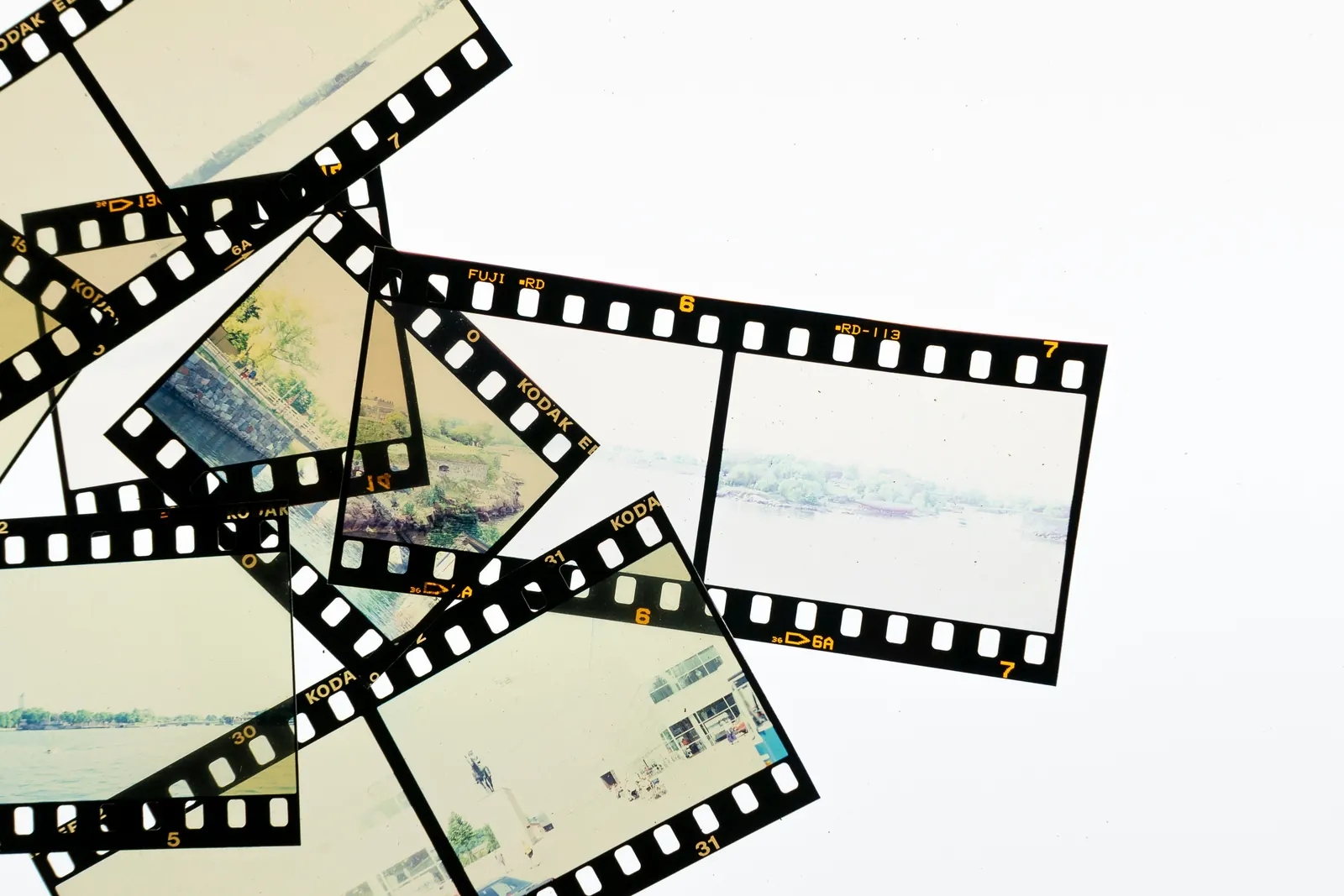
A slideshow keeps every photo, including the five near-identical shots of the same sunset. That is most of what makes it drag: at 4 seconds a photo, 300 photos run 20 minutes.
Kindred Reels groups the near-identical shots and keeps the best one. It sets aside blurry photos, screenshots and photos of signs or receipts. Nothing is deleted, and you can drag anything back in.
Short clips, with their sound
A few seconds of movement and sound breaks the slideshow feeling faster than anything else: a laugh, a splash, someone shouting from the top of a hill.
Kindred Reels finds the best moment of each video, usually 5 to 10 seconds, and puts it between the photos. When someone is talking, the music drops so you can hear them.
Chapters, each with its own song
A long film with no shape feels endless, even when every photo is good. Chapters tell people where they are, and a new song tells them something new has started.
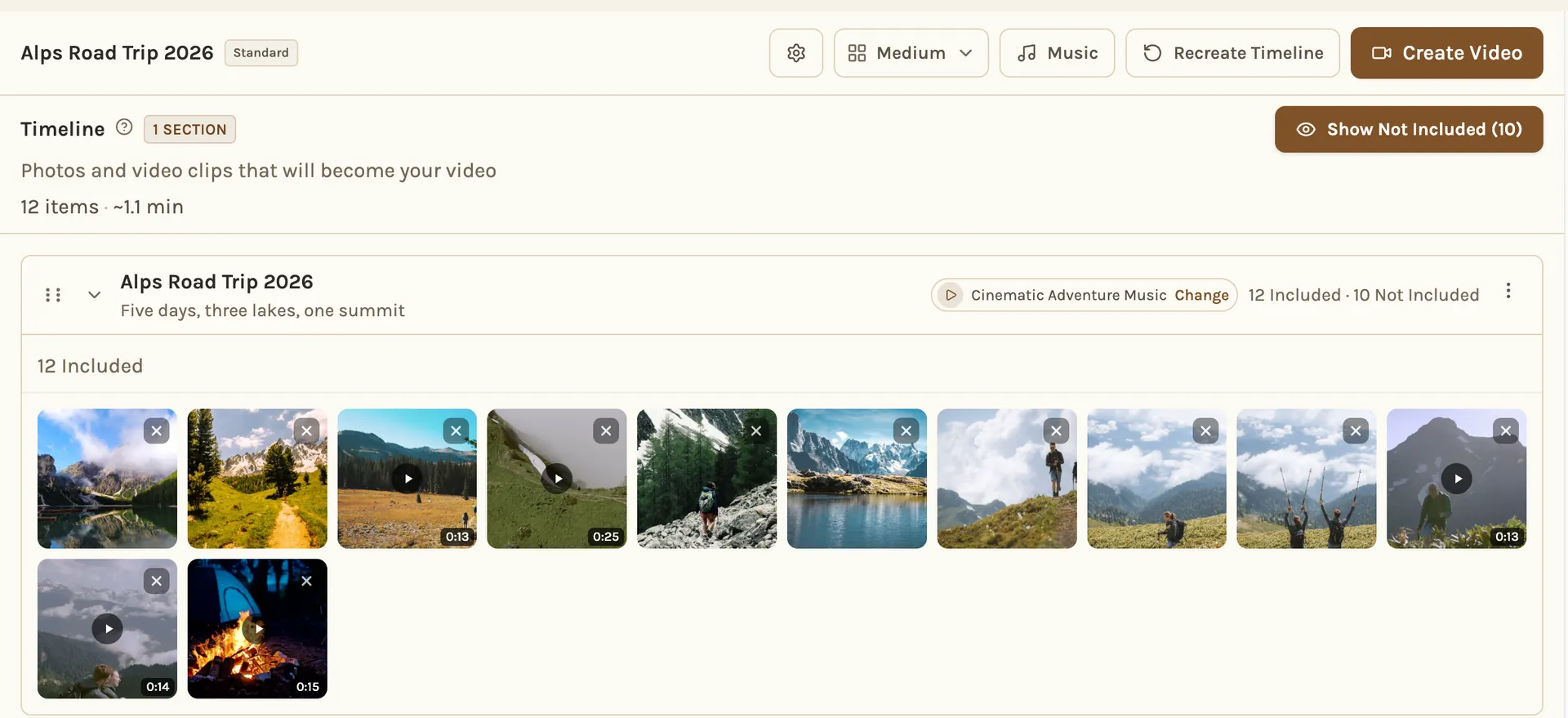
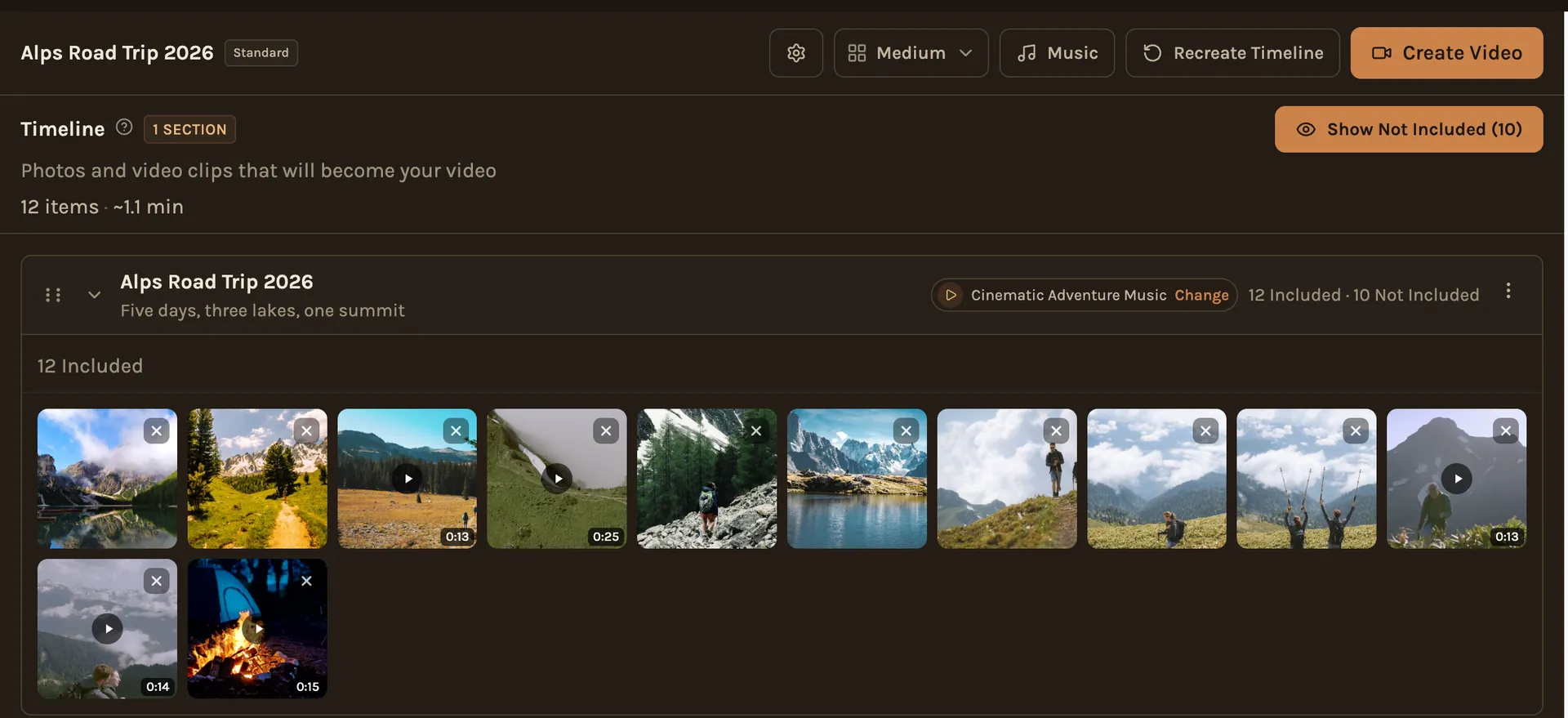
On the longer lengths, Kindred Reels splits the film into chapters, keeps each one in the order things happened, and gives each its own song. You can rename them, move photos between them and change any song.
Photo changes on the beat
When a photo changes exactly on a beat, simple pictures feel edited. A little off, and people feel something is wrong without knowing what. This is the hardest part to do by hand.
Kindred Reels finds the beats of each song and starts the photo changes on them.
Gentle movement on every photo
A still photo on a TV looks frozen after a few seconds. Spinning cubes and page curls make it worse.
Kindred Reels gives every photo a slow zoom around the faces in it, or a slow pan across a scene, and mixes the moves through the film. Photos change with a short crossfade.
What's still up to you
- The photos: everyone's photos and videos, in one project. The more people add, the better the choices.
- The pace: Relaxed, about 7 seconds a photo, Normal, about 4, or Fast, about 1.
- The length: Highlights, about 2 to 3 minutes, is the one people watch again. Feature, about 5 to 8 minutes, suits the people who were there.
- A look over the timeline: move anything, swap a song, trim a clip, then make the film.
If you're editing by hand
The same ideas work in any video editor. Cut to one photo per moment, about 45 photos for a 3 minute film. Put short clips between them. Change the song when the story moves on. At 120 beats a minute, changing the photo every 4 seconds lands each change on the first beat of a bar. Keep zooms small and use a short crossfade or a straight cut.