A plan by week
- Four weeks out: decide who is making it, and whether it is a surprise. Make the shared place for photos.
- Three weeks out: send the message to the family. Visit whoever has the old albums.
- Two weeks out: ask for short messages or recorded memories. Send one reminder about photos.
- One week out: stop collecting. Choose, put it in order, add music.
- A few days out: watch it from start to finish. Fix what drags.
- The day before: test it on the screen and speakers you will use.
If the party is sooner, compress the plan, but keep the last two steps.
Ask for photos from every part of the life
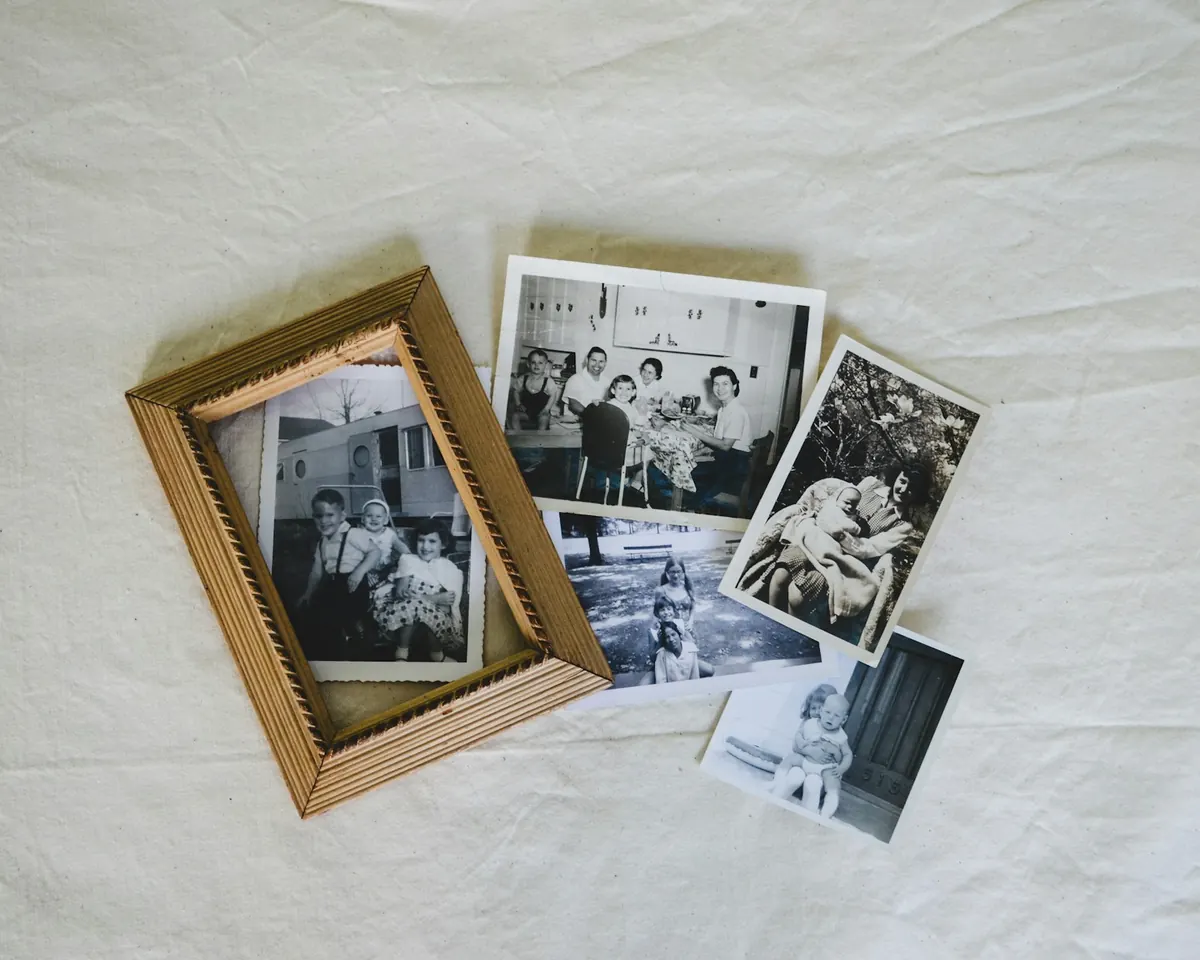
"Send me photos of Dad" gets you the last five years. Ask by decade instead, and say who is likely to have each part:
We are making a video for Dad's 70th on the 14th. Could you add any photos you have by the 5th? We are especially missing:
- Dad as a kid and a teenager (Aunt Lena, do you have any?)
- his twenties and the wedding
- the years when we were little
- trips, holidays and ordinary days
- anything recent with the grandkids
Here is the link: [link]. Original photos please, not screenshots.
For an anniversary, ask for the two of them separately before they met, then the wedding, then the years together.
Places that work for a family:
- Kindred Reels, our tool: you send one link, and relatives add photos and short videos from their phone, with no app and no account. On the Tribute plan they can also record a short spoken memory right there.
- A Google Photos shared album: Google's help page says that when you share an album by link, "anyone with the link can view the photos and add to the album."
- An Apple shared album: since iOS 27, Apple says relatives can "join and contribute their own photos on the web, even without an Apple Account or Apple device."
- A Dropbox file request: Dropbox says "anyone can send a file to you, whether they have a Dropbox account or not."
Old prints and their dates
The early decades are almost always prints. Photograph them flat, by a window in daylight, with the flash off and the phone held straight above. Google's free PhotoScan app helps with glossy prints: Google says it "stitches multiple images together to remove glare."
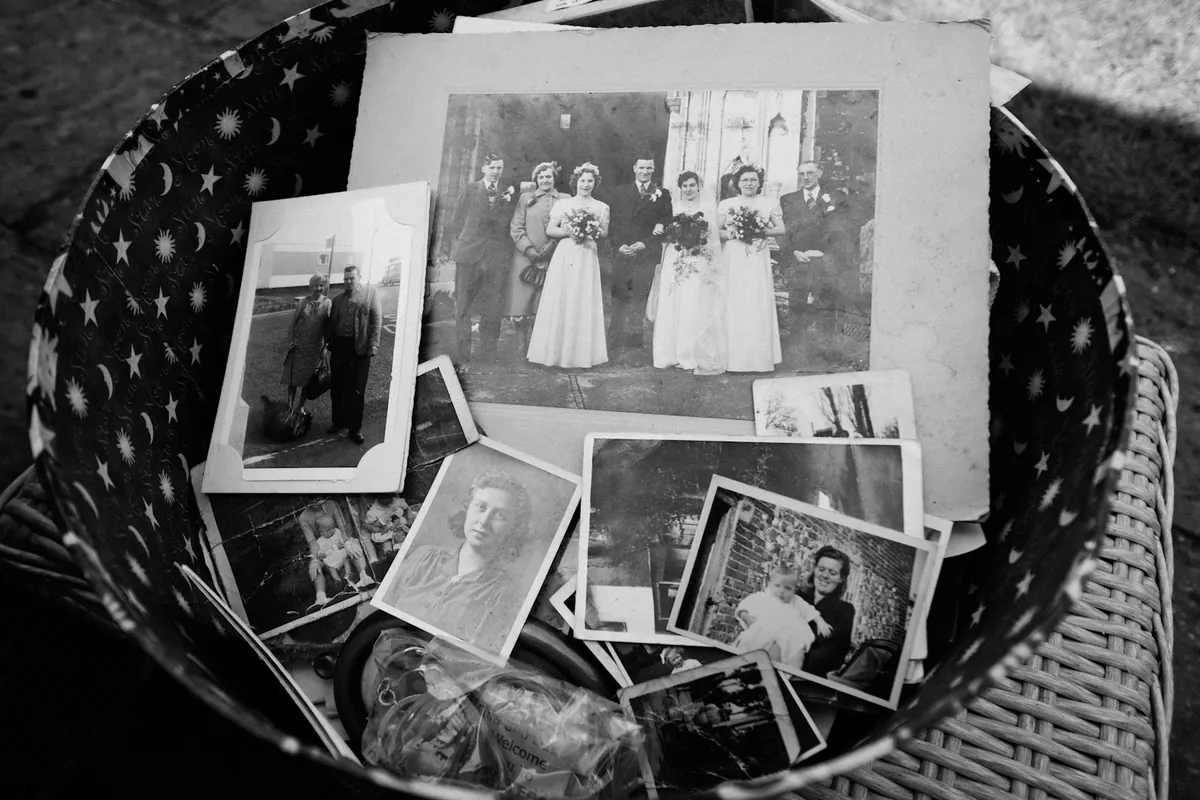
Photograph the back of any print that has writing on it. A year in someone's handwriting is the easiest way to put a photo in the right place. For the rest, ask the person who knows: "Is this before or after you moved?" is often enough.
In Kindred Reels, choose Tribute when you start. It is made for a whole life, and it works for someone living. A tribute dates old prints from what is in the picture, so they land in the right years even with nothing written on the back.
Messages from the family
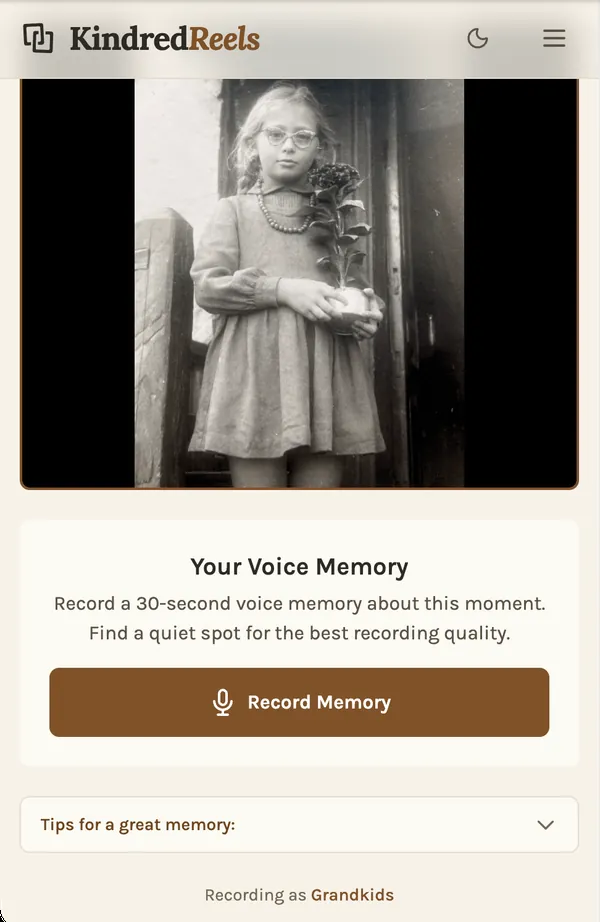
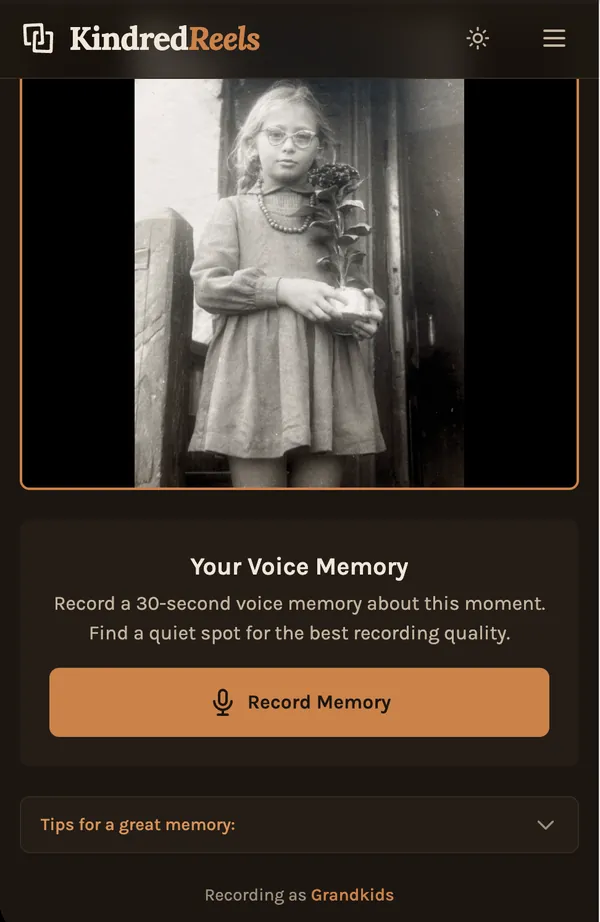
A few short messages are often the part people talk about afterward. Keep each one short, half a minute or less, and give people a prompt:
- "What is your favorite memory with him?"
- "What did he teach you?"
- "Tell the story behind this photo."
There are two easy ways to do it. People can film themselves on their phone and send the clip. Or they can record just their voice about one photo, which is easier for anyone shy about being on camera.
In Kindred Reels, on the Tribute plan, relatives record their memory through a link on their phone, and it plays over the photos it is about, with the music turned down.
Tell it in chapters
A life film works best in order, in a few chapters. One shape that works:
- Open on a recent photo, so everyone knows who it is for.
- Go back to the beginning: childhood, family, school.
- The young adult years, and how the couple met, for an anniversary.
- The family years.
- Today, ending with everyone together.
Keep each chapter to its best photos. A video of several minutes that holds the room is better than a long one people drift away from.
In Kindred Reels, repeats and weaker shots are set aside for you, everything is put in order, and on the longer lengths the film is split into chapters through the years, each with its own music. A tribute asks your permission to recognize the faces of the people you name, so it can find them in the photos.
Music from their years
Music the person loved, or songs from the years each chapter covers, does a lot of the work. Change the music between chapters, and let it get quieter under any spoken messages.
On the day
- Test the sound in the room. Laptop speakers are rarely enough.
- Have a second copy ready, on a phone or USB stick.
- Ask one person to start it, so the guest of honor can just watch.
- Make a private link for relatives who could not come, and keep a copy for the family.