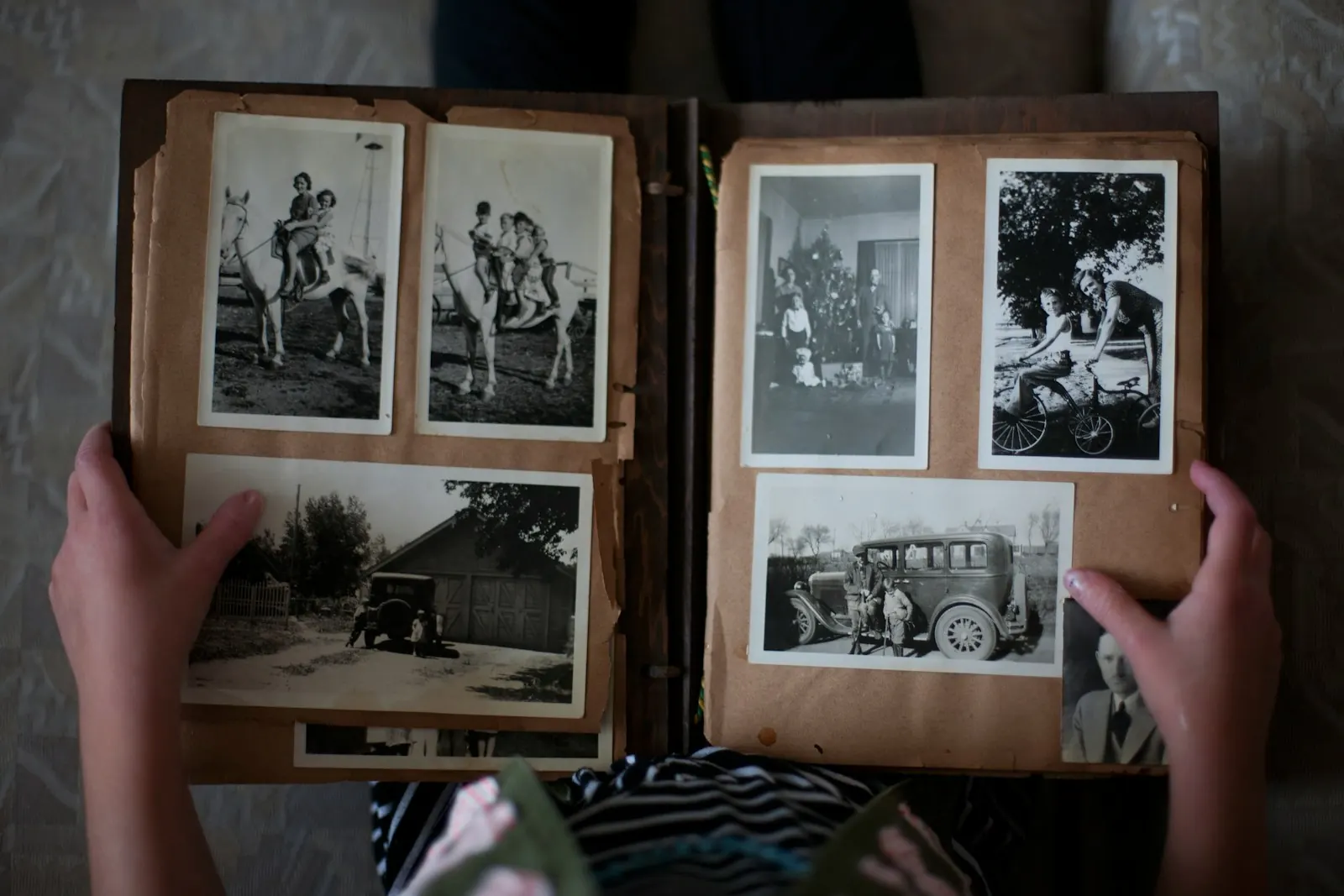
One person gathers, everyone else adds
Pick one person to collect, and say so in the family chat. When three cousins each start their own album, photos end up scattered and some never reach the video.
The gatherer does not have to own every photo. Their job is to send the message, answer questions and say "thank you, got it". Everyone else only has to add what they have.
Work back from the day
Count back from the day of the service:
- The day before: play the finished video once, on the screen it will be shown on if you can.
- Two days before: stop collecting. Late photos can go in a longer version later.
- A week before, or as soon as you can: send the message to everyone.
If the service is only a few days away, the plan still works. Shorten each step and send the message today.
Pick one place everyone can use
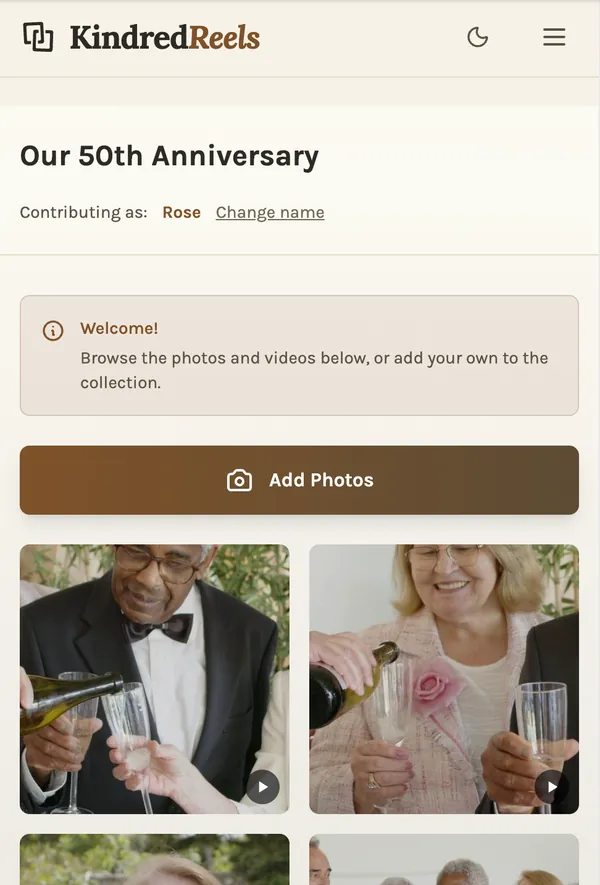
The best place is the one your family will actually manage. Some common ones:
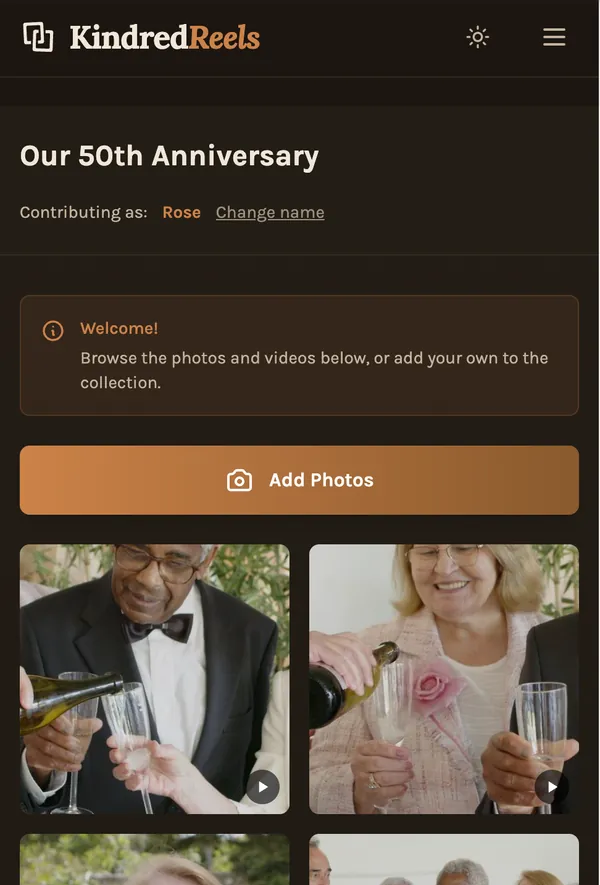
- Kindred Reels, our tool: you send one link, and relatives add photos and short videos from their phone, with no app and no account. On the Tribute plan they can also record a short spoken memory right there. Everything they add goes straight into your project, so there is nothing to download and move later.
- A Google Photos shared album: Google's help page says that when you share an album by link, "anyone with the link can view the photos and add to the album."
- An Apple shared album: since iOS 27, Apple says relatives can "join and contribute their own photos on the web, even without an Apple Account or Apple device."
- A Dropbox file request: Dropbox says "anyone can send a file to you, whether they have a Dropbox account or not." The files use space in your own Dropbox.
- Email or text: for anyone who will not use a link, it is fine to have them send photos to you directly. Save them as they come in.
Whatever you choose, use one place. Two places means checking two places.
The message to send
Keep it short. People read it on a phone, often while grieving themselves. Something like:
We are making a short video of Mom's life for the service on Saturday. If you have photos or short videos of her, please add them here by Thursday evening: [link]
Anything helps, but we would especially love:
- photos from when she was young, or from before most of us knew her
- photos of her with you
- a short video where you can hear her voice or her laugh
Please send the original photo, not a screenshot. Thank you.
Specific asks get better answers than "send whatever you have". The request for the original file matters: a screenshot of a photo, or a photo forwarded through a chat app, is often much smaller than the original and can look blurry on a big screen.
Old prints
Many of the best photos of a life are prints. You do not need a scanner to get them in.
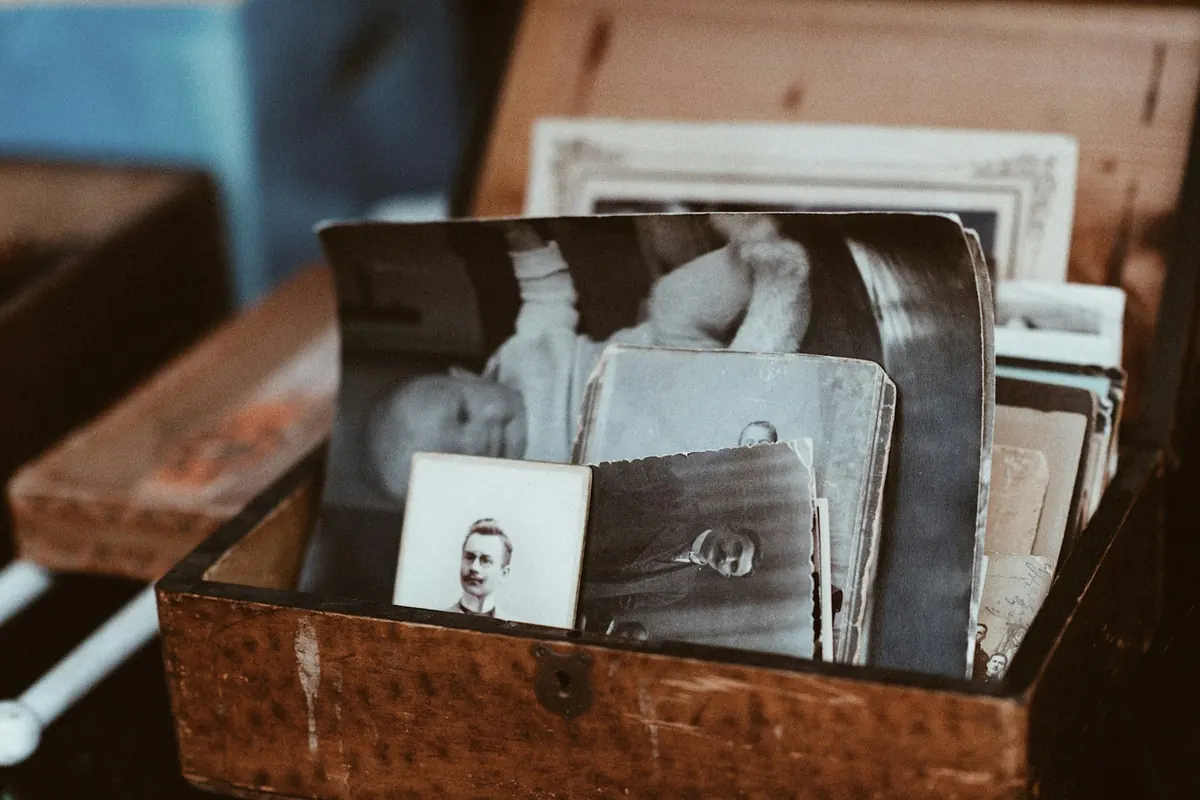
- Lay the print flat by a window in daylight. Turn off the flash.
- Hold the phone straight above it, so the print is not a slanted shape.
- Fill the frame with the print.
- Photograph the back too, if someone wrote a name, a place or a year on it. That note can save a lot of guessing later.
Google's free PhotoScan app helps with glossy prints: Google says it "stitches multiple images together to remove glare."
If one relative has the family albums, it is often quicker to visit with a phone for an afternoon than to ask them to scan.
In Kindred Reels, a tribute dates old prints from what is in the picture, so they land in the right years even with nothing written on the back.
Relatives who are not online
Some of the most important photos belong to people who will never open a link. Ask a grandchild or neighbor to visit and photograph their prints. Or ask them to mail a few prints and promise to send them back. A phone call to ask which photos they love is also a way of including them, even if the photos come from someone else.
A few words in their own voice
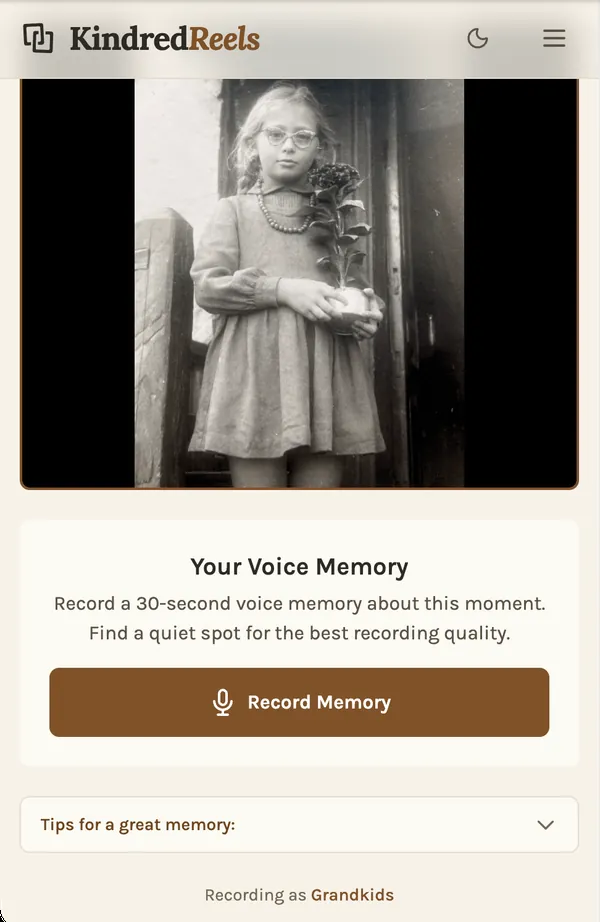
A photo shows a face. A voice brings back the person. If you can, ask a few relatives to record a short memory, half a minute or so, about one photo. The voice recorder on any phone is enough.
Give them a prompt, because "say something" is hard:
- "Tell us about the day this was taken."
- "What was she like when you first met her?"
- "What is something she always used to say?"
Some people will not want to record, and that is fine. They can write a line instead, and someone else can read it.
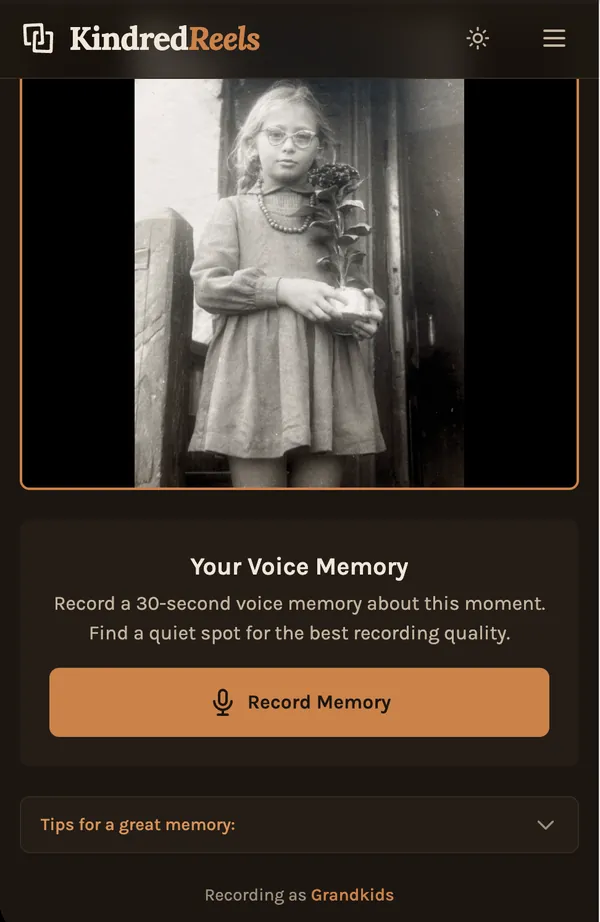
In Kindred Reels, on the Tribute plan, relatives record their memory through a link on their phone, and it plays over the photos it is about, with the music turned down.
When it is all in
You will probably have more than the video can hold, with some repeats and some lower quality shots. A few rules make choosing easier:
- Set aside repeats: keep the best of each burst.
- Sort by decade: childhood, young adult, family years, later life. Gaps show up quickly.
- Choose fewer, better photos: a shorter video that holds the room is better than a long one people drift away from.
- Photos with the family belong too: if there are few photos of the person alone, photos of them with others tell the story just as well.
In Kindred Reels, repeats and lower quality shots are set aside for you and everything is put in order, and you can still swap any photo in or out before the film is made. A tribute asks your permission to recognize the faces of the people you name, so it can find them in the photos.
Before the service
Play the finished video once, all the way through, where it will be shown. Check the sound in the room. Bring two copies: one on a laptop or phone, and one on a USB stick or as a link. Ask one person to be in charge of pressing play.