One film from all the photos and videos of your party
Add every photo and video from a birthday party, a wedding, an anniversary or a reunion, unsorted. Kindred Reels picks the best, turns them the right way up, puts them in the order the day happened and makes one film set to music.
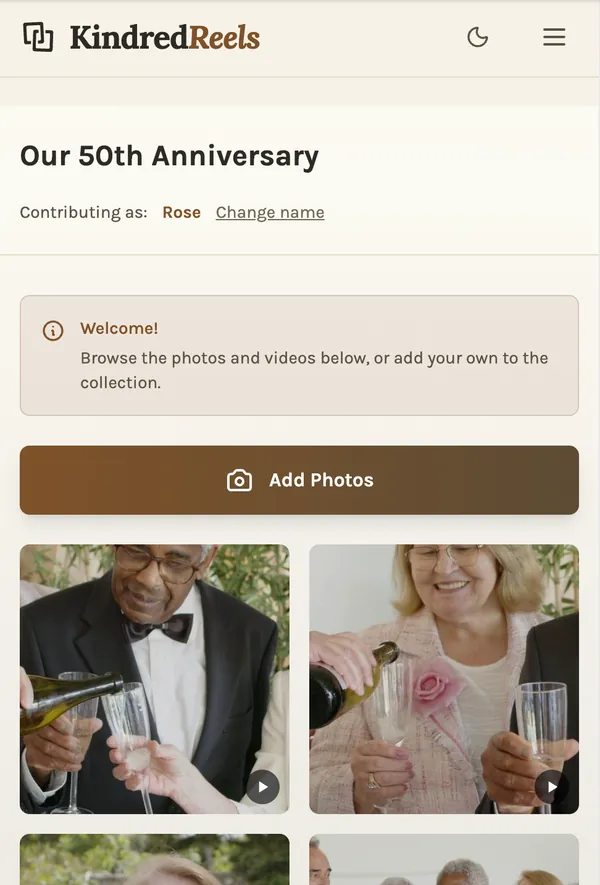
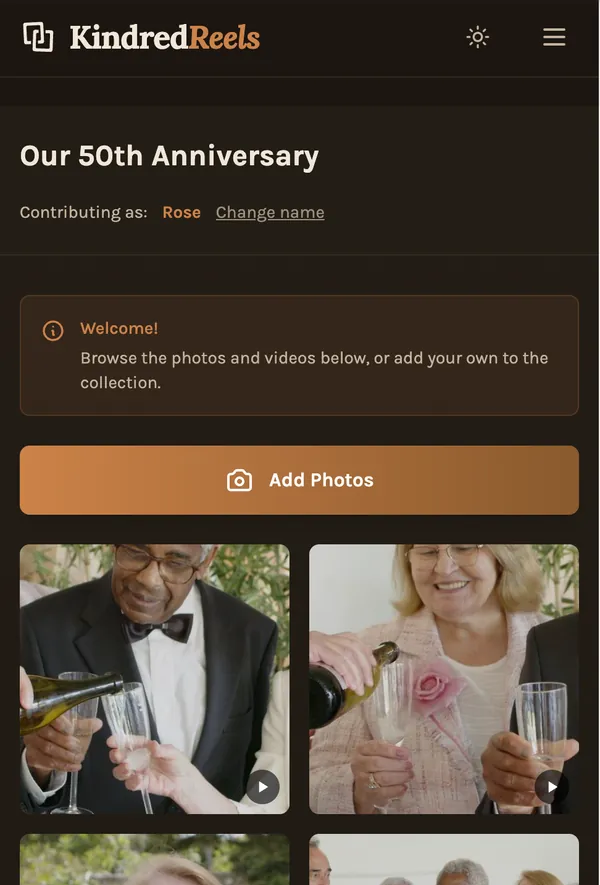
Guests can add theirs through one link, with no app to install. You can change anything before the film is made.
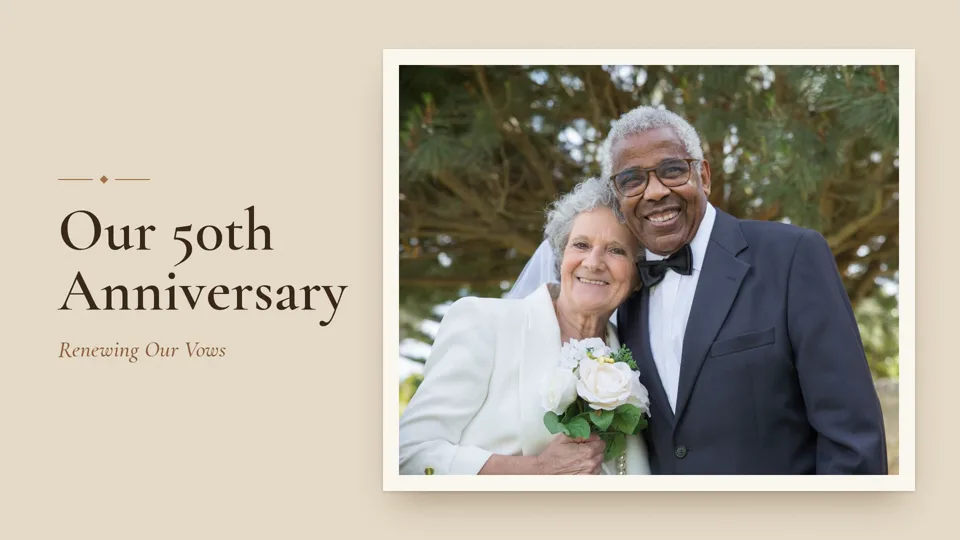
A 50th anniversary party in a garden, from the photos and videos everyone took that day.
Made from stock photos and clips.
How it works for an event
The best of the day, in order
Repeats and blurry shots are left out, sideways shots are turned upright, the best moments of each video are trimmed in, and everything plays in the order it happened.
Photos from every phone
Send one link in the group chat, before the day or after. Guests see what others have added and add what they took, with no app and no account.
Ready to share
Change anything you like, then download the film, send a private link or put it on YouTube.
Making a film about someone's whole life, with family voices over the photos? That is a tribute.
Questions about event videos
You send one link, in the group chat or by email. Each guest opens it on their phone, types their name and adds what they took. Nobody installs an app or makes an account. They can also pick from their own Google Photos.
Yes. The link keeps working, so send it the next day when everyone is home. Make the film once the photos are in, and make it again later if more arrive.
They are left out, and when several people took the same shot, usually only the best one is kept. Nothing is deleted: anything left out can be put back before the film is made.
Up to about 5 minutes on the Free plan, or up to about 10 minutes on Standard. The film runs as long as the good photos and videos allow.
No. An event film works on the Free plan. During the beta every plan is free to unlock anyway, with no credit card.
Download the video file, send a private link, show a QR code so people can watch on their own phones, or put it on YouTube.
Read more
Start with the photos you have
Add your photos, send the link to everyone who was there if you like, and make the film.
Make your filmFree during the beta • No credit card required