Everyone's photos and videos. One cinematic film. Ready in minutes.
 0:26
0:26Kindred Reels turns a pile of photos and videos into one finished film. It picks the best, puts everything in order and sets it to music. Invite everyone who was there to add theirs, and for a tribute, family can record voice memories too.
0:26Everyone piles in their photos. A finished film comes out the other side.
Watch one for your occasion
Every film below was made in Kindred Reels from ordinary photos and videos.
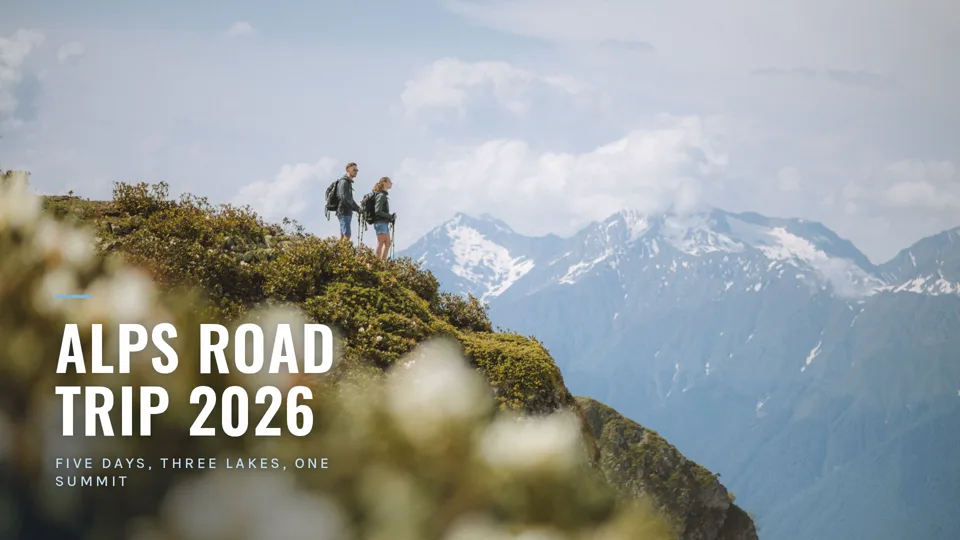
A road trip through the Alps, everyone's photos and videos in one film.
Made from stock photos and clips.
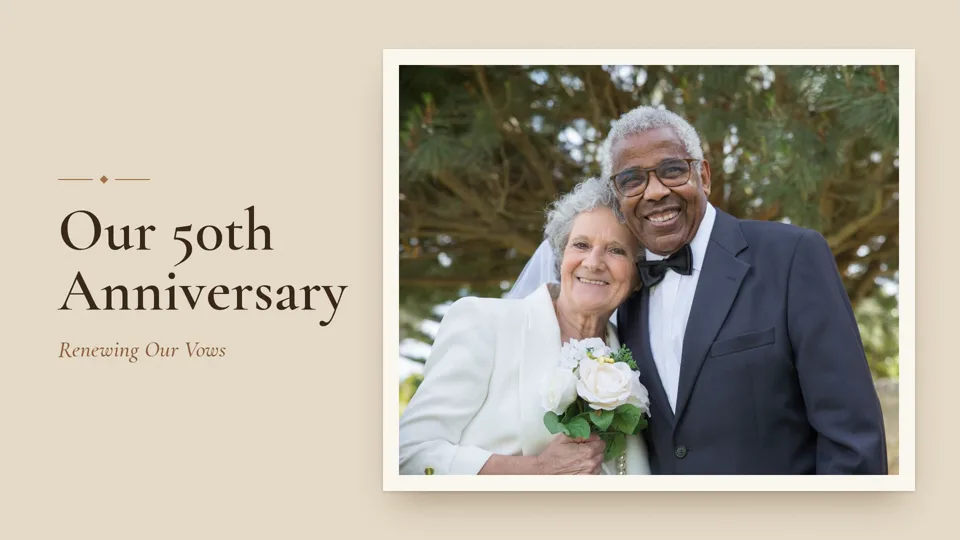
A 50th anniversary party in a garden, from the photos and videos everyone took that day.
Made from stock photos and clips.
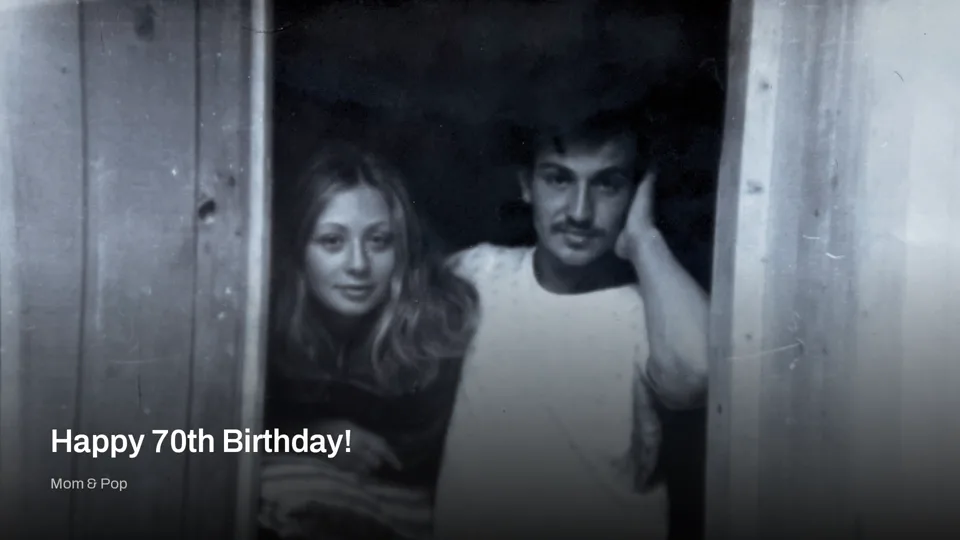
Made for our founder's parents' 70th birthdays: sixty years of photos, with voice memories from their kids and grandkids.
How long is the film?
You pick the length when the timeline is built. Each one is a target, so a film can come out a little shorter.
- Quick HighlightsUp to about 5 minutesEvery plan
- StandardUp to about 10 minutesStandard, Premium and Tribute plans
- ComprehensiveUp to about 15 minutesPremium and Tribute plans
Every plan is free to unlock during the beta.
Why not just use Google Photos?
Phone apps make a short clip from photos they pick. Editors make you do it all by hand. Kindred Reels works through everything you add and makes the whole film for you.
| Question | Kindred Reels | Google Photos | Apple Photos | iMovie | Canva |
|---|---|---|---|---|---|
| Picks the best shots for you | Yes | Yes | Yes | No | No |
| Films up to about 15 minutes | Yes | Short | Short | Yes | Yes |
| Everyone adds photos through one link | Yes | Shared album | Shared album | No | Shared design |
| Family voice memories | Yes | No | No | Your own voiceover | Your own voiceover |
| Works on any phone or computer | Yes | Yes | Film made on Apple devices | Apple devices only | Yes |
Everything that makes it better than a slideshow
What would take hours in a video editor happens automatically.
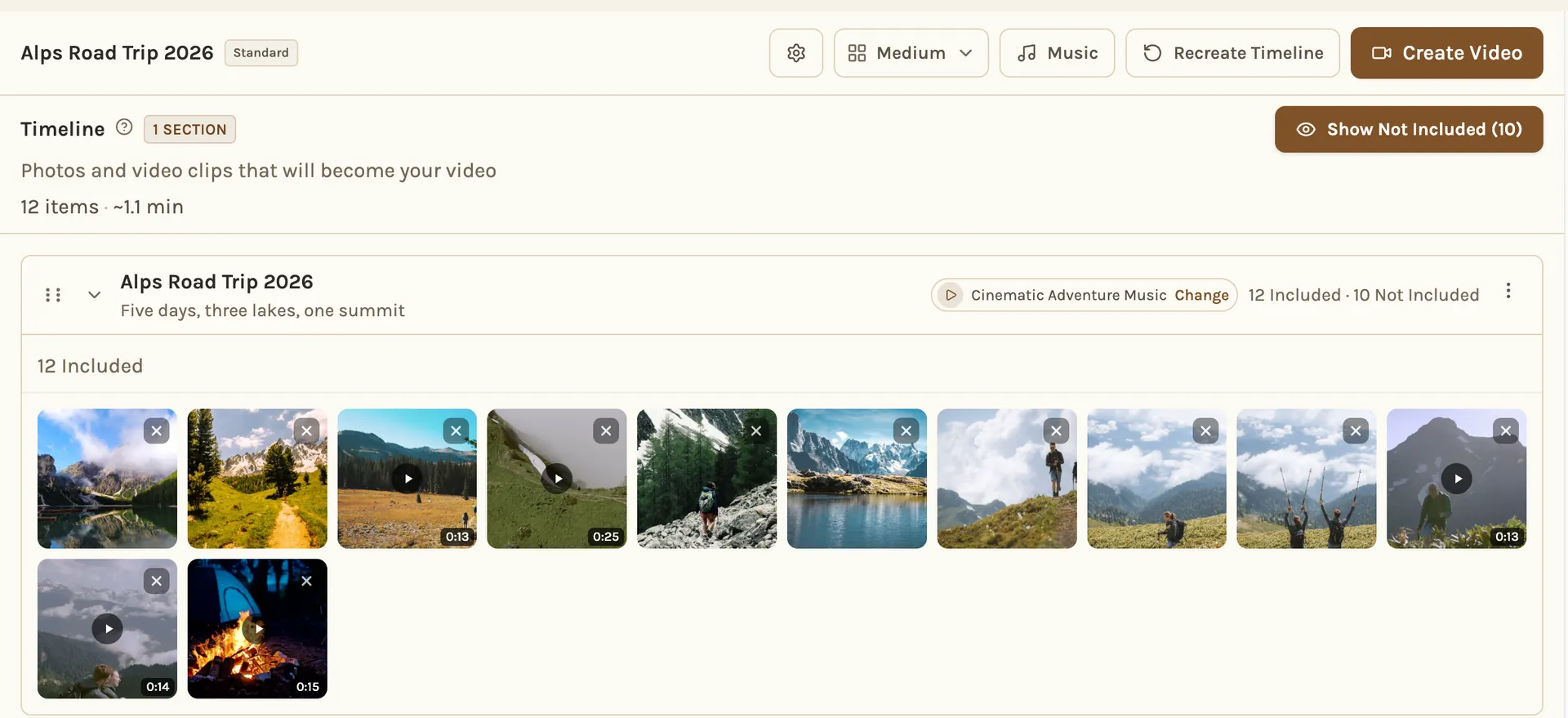
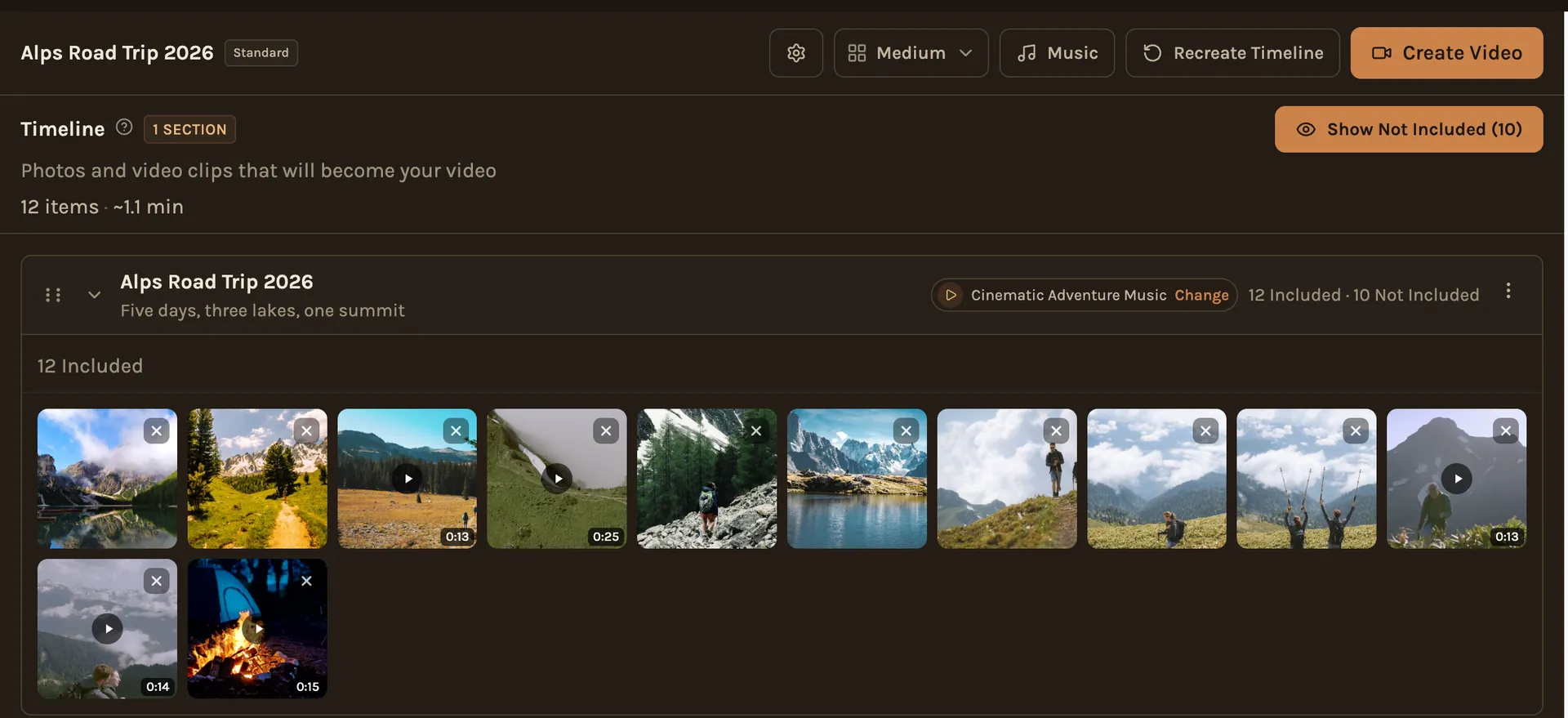
Describe It, We Handle the Rest
Just say "vacation to Italy" or "Dad's 70th birthday." The best photos are picked automatically, duplicates and blurry shots removed, and everything organized into sections that tell a story.
Google Photos Import
Connect your Google Photos account and import entire albums directly. No downloading and re-uploading. Just pick an album and go.
Photos & Videos
Mix photos and videos in the same film. The best moments of each video are cut into clips and woven into the timeline alongside your photos.
Face-Aware Motion
Camera movements that know where faces are. Photos pan and zoom gracefully to focus on people, not empty backgrounds.
Beat-Synced Music
Choose from our music library and photo transitions sync to the beat. Music automatically adjusts around any voice recordings.
Share Anywhere
Upload directly to YouTube, share a private watch link, generate a QR code for your next party, or download the file. Your video, your way.
Want their voices in it too?
Invite family and friends to add their voice to the story.
Share a Link
Contributors don't need an account. Just send a link and they can browse photos and record.
Record Voice Memories
Short voice recordings from any phone or computer, right in the browser. No app needed.
Woven Into the Video
Each voice plays over its own photos. The music turns down while someone is talking and comes back up after.
Voice memories come with the Tribute plan. Every plan is free to unlock during the beta.
Frequently Asked Questions
Anything. Vacation recaps, birthday highlights, a tribute for someone you love, or just a collection of favorite moments. Tell us what it's for and the video shapes itself around it.
You choose the length when the timeline is built. Quick Highlights runs up to about 5 minutes, Standard up to about 10 and Comprehensive up to about 15. Each length is a target, so a film can come out a little shorter. Quick Highlights is on every plan. Standard comes with the Standard, Premium and Tribute plans. Comprehensive comes with the Premium and Tribute plans. Every plan is free to unlock during the beta.
Yes. Only you and the people you invite can open your project, and finished videos can only be reached through links you control. We don't sell your photos or use them for anything except making your video. Google and Amazon process them for us as service providers, and Google's terms don't let it train its models on them. The privacy policy has the details.
Yes, for the sorting, not the pictures. Google's Gemini looks at each photo and clip to work out what's in it, when it was taken and which shots are strongest, and it helps choose, order and title them. Nothing is generated: every frame in your film is a photo or clip someone uploaded. Faces are only matched to names in tributes, and only after you agree. How it's built explains the whole process.
Connect your Google account and pick the photos and videos you want in Google's own picker. They are copied straight across, with no downloading and re-uploading.
Those are quick automatic recaps, usually a minute or two long, made from one person's own photo library, with a few options to tweak. Kindred Reels is built for the whole story: everyone who was there adds their photos and videos with a link, and the film is built from all of them, in the order things happened (in chapters on the Standard and Comprehensive lengths), and can run up to about 15 minutes. On the Tribute plan, family can record voice memories that play over the photos. You can change anything before it's made, from which photos are in and their order to the music and the look, and you keep the video file.
Yes. Upload videos alongside your photos. Their best moments are cut into clips and woven into the timeline with them.
Photos are put in order by the date they were taken, read from each file. In a tribute, a photo with no date it can trust, such as a scanned print from long before digital cameras, is dated from the picture itself: faces, clothing and settings. Other projects do that only when many of their photos lack a camera date. Then the photos are grouped into chapters, or one chapter for Quick Highlights.
Each chapter gets a song that fits its mood from our music library, and you can swap any of them or upload your own. Photos change on the beat, except in a chapter with a voice recording, where each photo stays up for the same time. When a voice recording plays, the music drops down under it and comes back up afterwards.
Building the timeline usually takes one to three minutes once your photos are in. Making the video takes longer for a longer film: a film of a few minutes is ready in a few minutes, and a 10 to 15 minute film at 1080p takes about 7 to 11 minutes. 4K takes longer, up to about twenty minutes for a long film. You'll get an email when your film is ready.
You have several options. Download the video file directly, share a private watch link that anyone can open in their browser, generate a QR code to display at events, or upload directly to YouTube from inside the app. The video file is yours to keep forever.
Free During the Beta
Everything is free while Kindred Reels is in beta. Try it out, and tell us what would make it better.
No credit card required • Free during the beta
Every trip, every celebration, every chapter. Ready to watch.
Your photos and videos deserve more than a folder on your phone. Turn them into something worth sharing.
Make Your First FilmFree during the beta • No credit card required