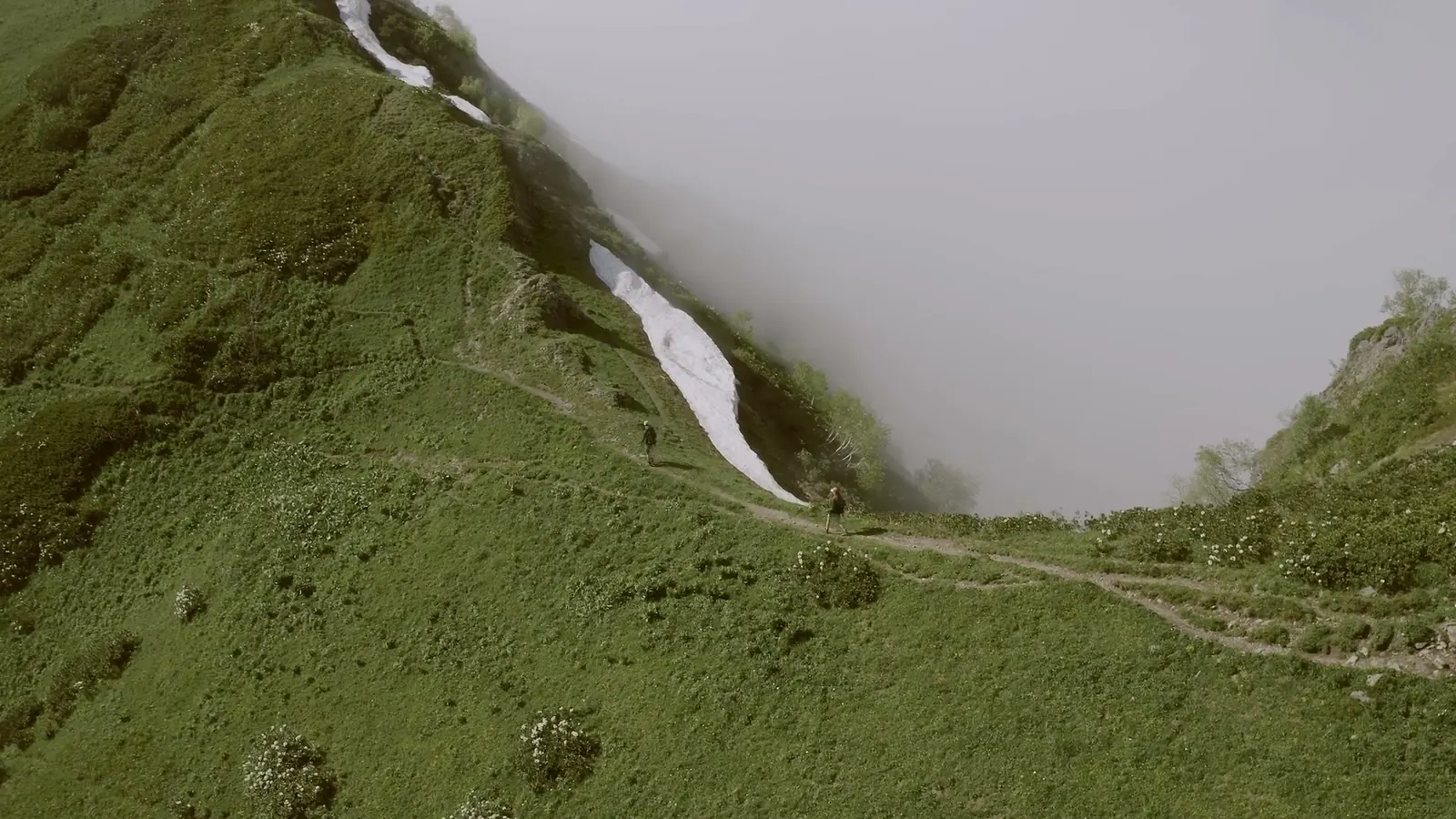
Collect while the trip is fresh
Ask for photos in the first few days after you get back. A week later, people have moved on, and the photos are buried under new ones.
Ask once, in the group chat, with one place to put them and a date:
Making a video of the trip! Please add your photos and videos here by Sunday: [link]
Everything is welcome, even the blurry ones. Please send the original files, not screenshots.
Asking for everything saves people the work of choosing, and they will not leave out the shot you would have picked. Asking for the original files matters: photos sent through a chat app are often shrunk and look soft on a TV.
Some places that work for a group:
- Kindred Reels, our tool: you send one link. Each person adds what they took from their phone, or picks it from their own Google Photos, with no app and no account. It all lands in one project, ready to become the film.
- A Google Photos shared album: Google's help page says that when you share an album by link, "anyone with the link can view the photos and add to the album."
- An Apple shared album: since iOS 27, Apple says people can "join and contribute their own photos on the web, even without an Apple Account or Apple device."
- A Dropbox file request: Dropbox says "anyone can send a file to you, whether they have a Dropbox account or not." The files use space in your own Dropbox.
Pick one and stick with it. Two places means double the checking.
Check the clocks before you sort
When photos come from several phones and cameras, sorting by date is the obvious first step. It is also where trips go wrong. A camera still set to home time after a flight, or a phone that never switched time zones, puts a dinner photo before breakfast.
A quick check: find one moment that two people photographed, like a group shot at a summit or a sunset. If their timestamps are an hour or more apart, one clock is off. Fix that person's photos by the difference before you sort.
In Kindred Reels, everything is put in the order it happened, and some common clock problems are caught for you. You can still move anything that lands in the wrong place.
Keep the best of each moment
Ten people at the same viewpoint means thirty nearly identical photos. Keeping all of them is what makes trip slideshows drag.
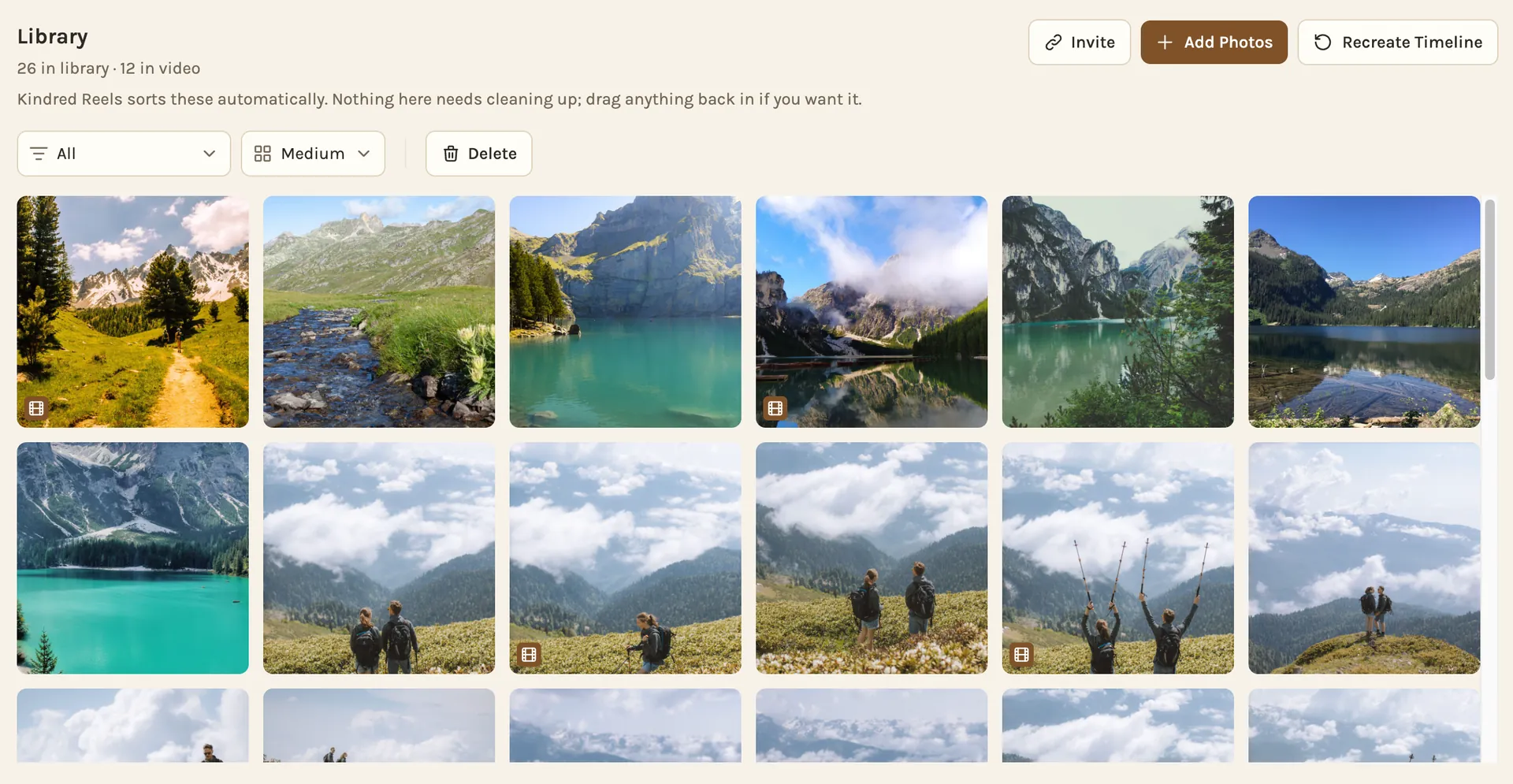
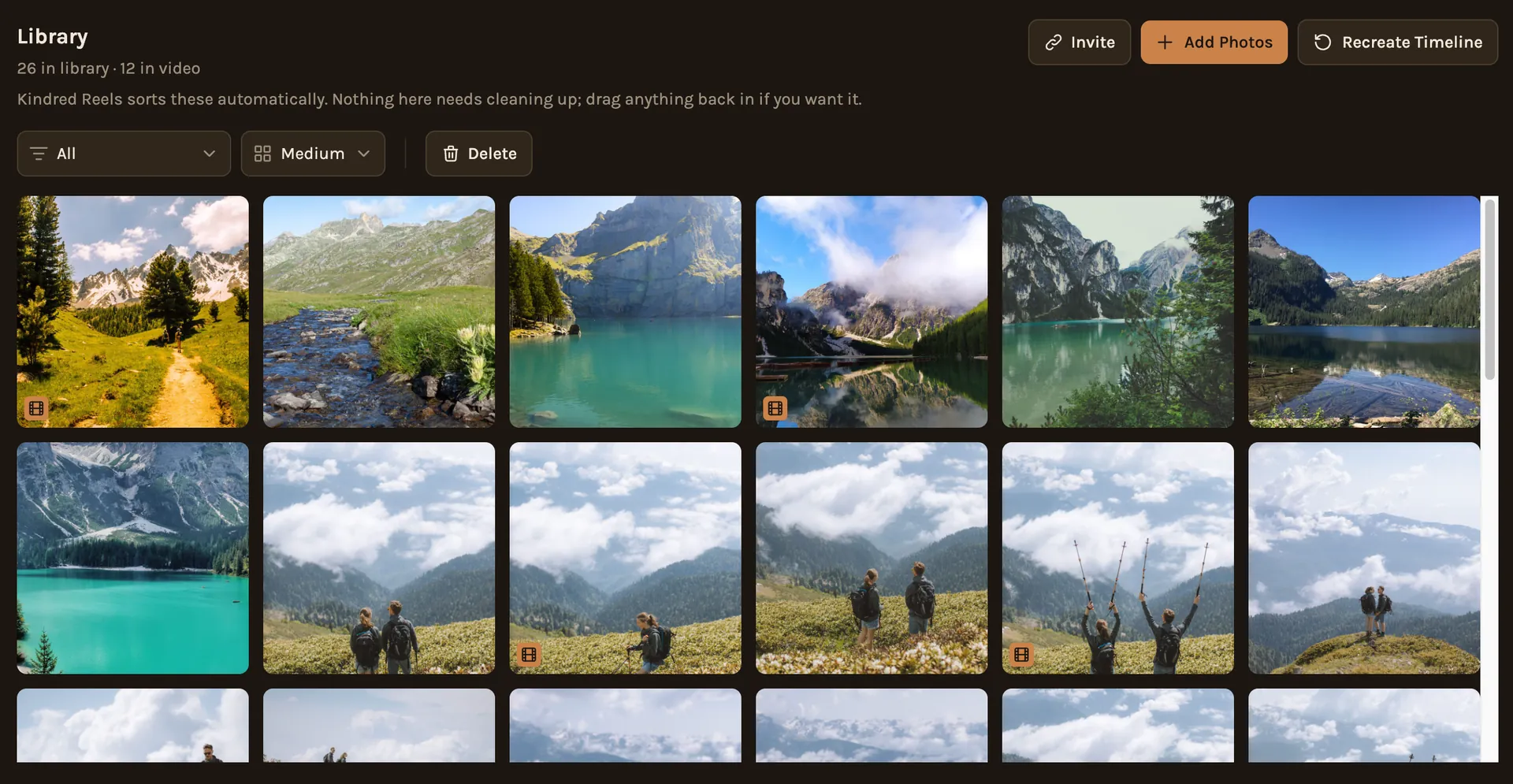
- Keep one per moment: pick the best of each burst or each group of near-repeats.
- Leave out weaker shots: dark, tilted or cut-off photos rarely earn their place.
- Aim for about one in ten: from a few hundred photos, a few dozen good ones make a better film than a hundred.
- Mix people and places: a film of only landscapes feels like a postcard. A film of only faces loses the trip.
In Kindred Reels, repeats and weaker shots are set aside for you, and the strongest are kept. You can swap anything in or out before the film is made.
Find the good seconds in each video
Phone videos are what make a trip film feel like the trip, and also what make it long. A two-minute clip of a hike usually has eight good seconds: the moment someone laughs, the view opening up, the jump into the lake.
Trim each video to that moment. If someone is talking, start and end on a full sentence, so the clip does not cut someone off mid-word.
In Kindred Reels, the best moment of each video is trimmed in for you, and the music drops when someone is speaking.
Give it a shape
A trip film reads best when it follows the trip. The simplest shape is by day: arriving, each day or each place, and the last evening. If the trip moved, use the places instead: the city, the drive, the lake.
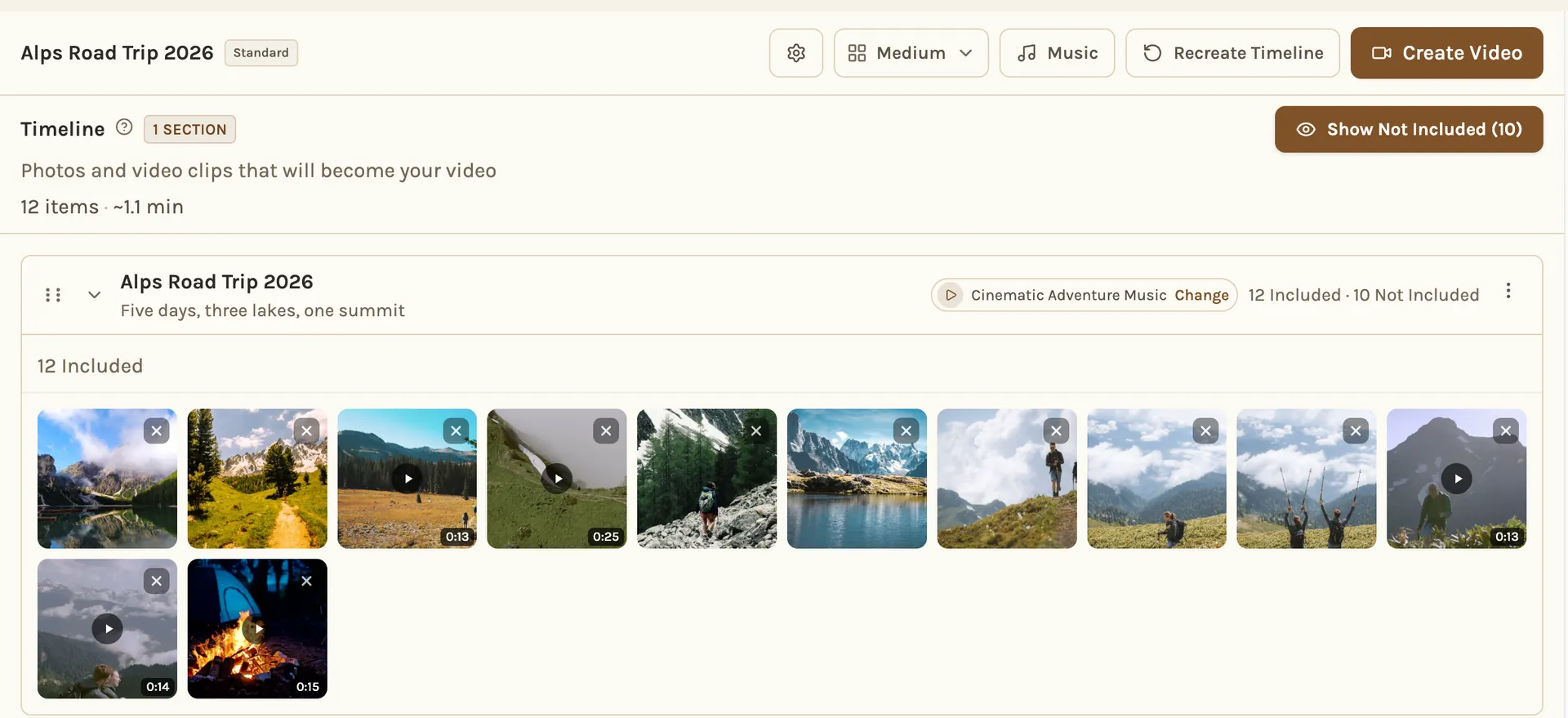
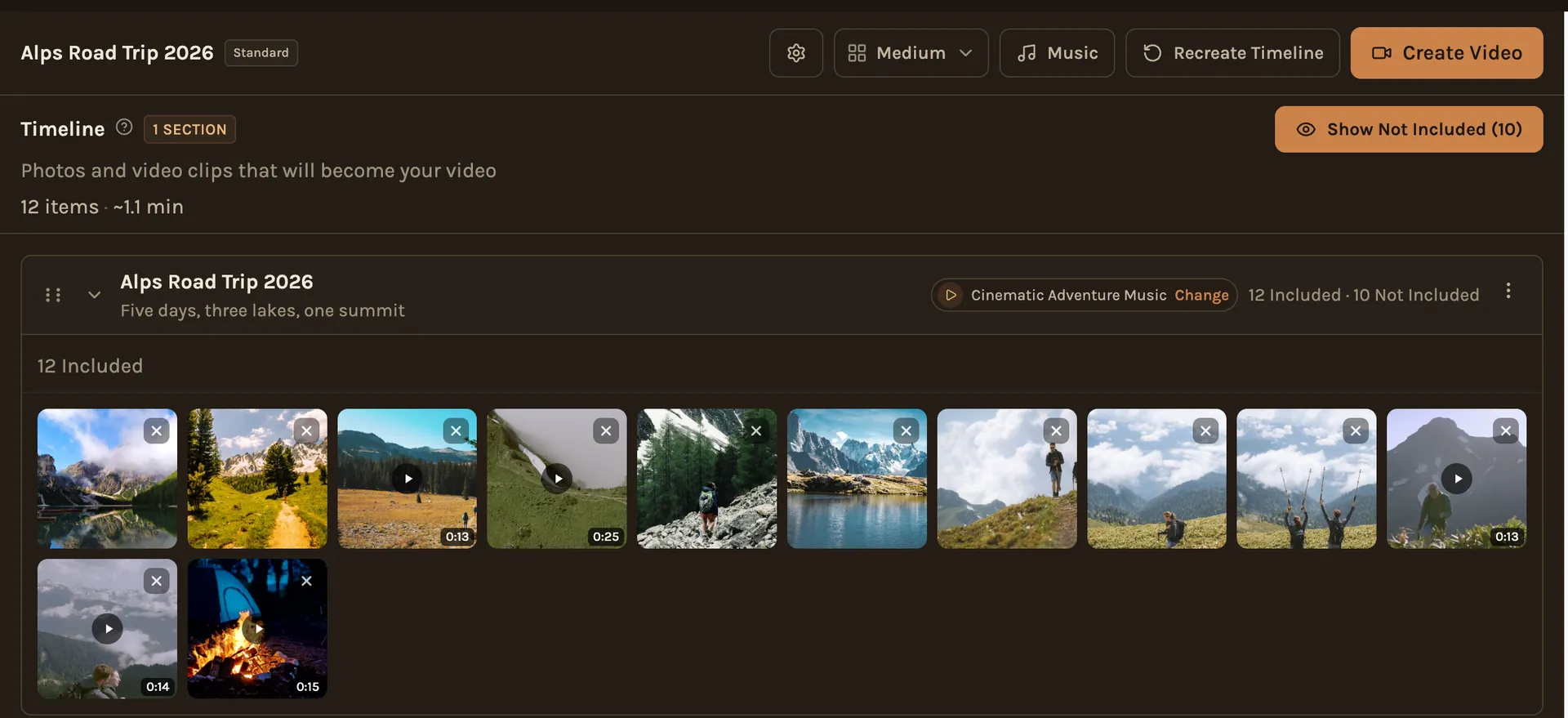
Start with a photo that sets the scene, and end with one that feels like the end: everyone together, the last sunset, the drive home.
In Kindred Reels, a longer film is split into chapters for you, each with its own music.
Pick the length on purpose
Short beats long. A few minutes is enough for most trips, and people will ask to watch it again. A longer cut is fine for the people who were there, but make the short one first.
Music
One song for a short film is fine. For a longer one, change the music when the trip changes, from the city to the mountains, or from day to night. Cut on the beat when you can; it makes simple photos feel edited.
If you plan to put the film on YouTube, use music you have the rights to. YouTube's help page on copyright claims says a claim can "block a video from being viewed".
Which kind of tool for which pile
- One person's photos, a short recap: the movie your phone's photo app makes on its own is often enough.
- You want to control every cut: a video editor gives you full control, and takes the most time.
- Many people's photos and videos, one film: this is where a tool built for groups saves the most work, because collecting and sorting is most of the job.