If the album is already full
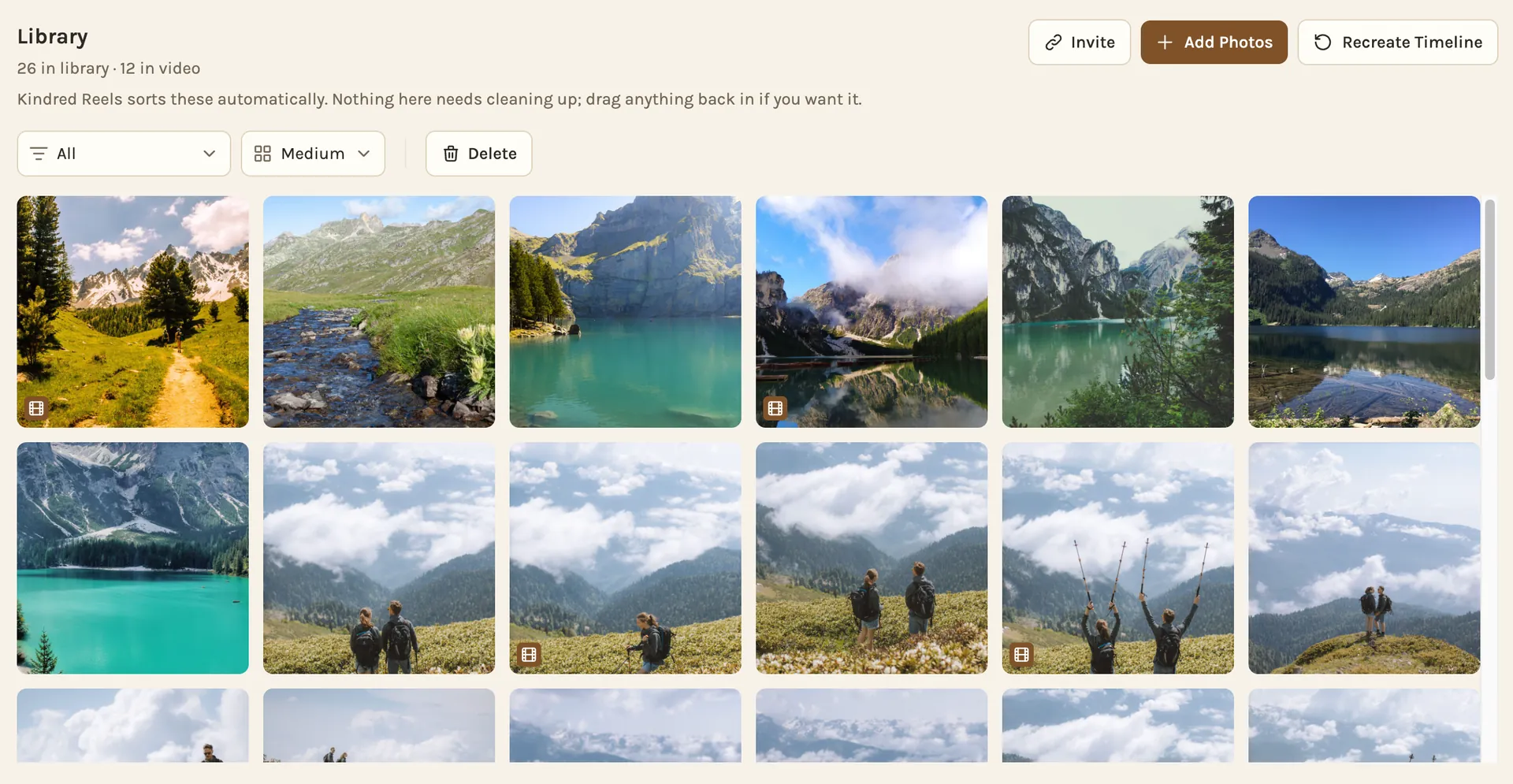
- Start a project in Kindred Reels and choose to add photos from Google Photos.
- Google's own picker opens. Type the album's name into its search box.
- Click Select all, just above the photos.
- Click Done. The photos and videos come in while you wait, and you can close the window.
If you can't find the album in the picker, open it in Google Photos and click Save at the top. That adds its photos to your own library, where the picker can see them.
Videos come in with the photos, and they matter. A few seconds of laughing or a splash between photos is what makes a film feel like being there.
If people haven't added their photos yet
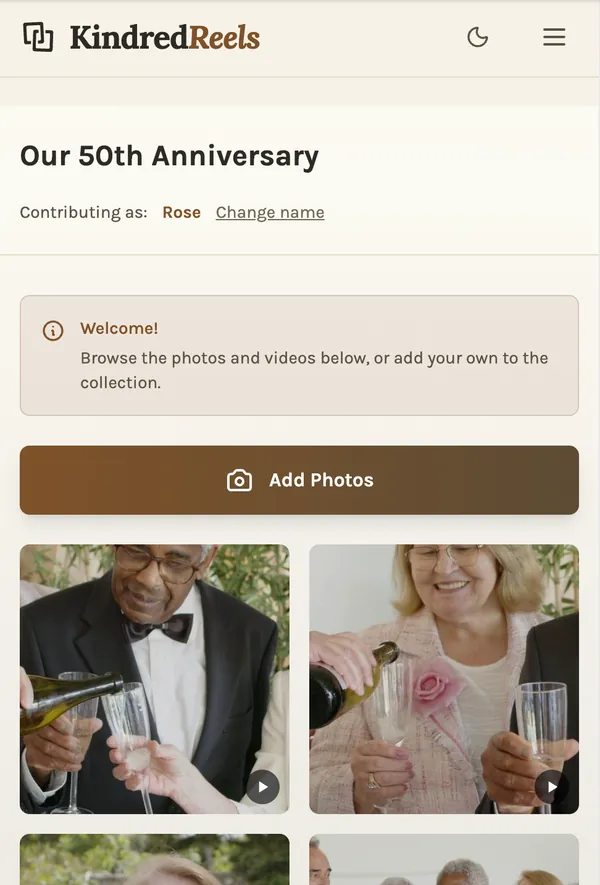
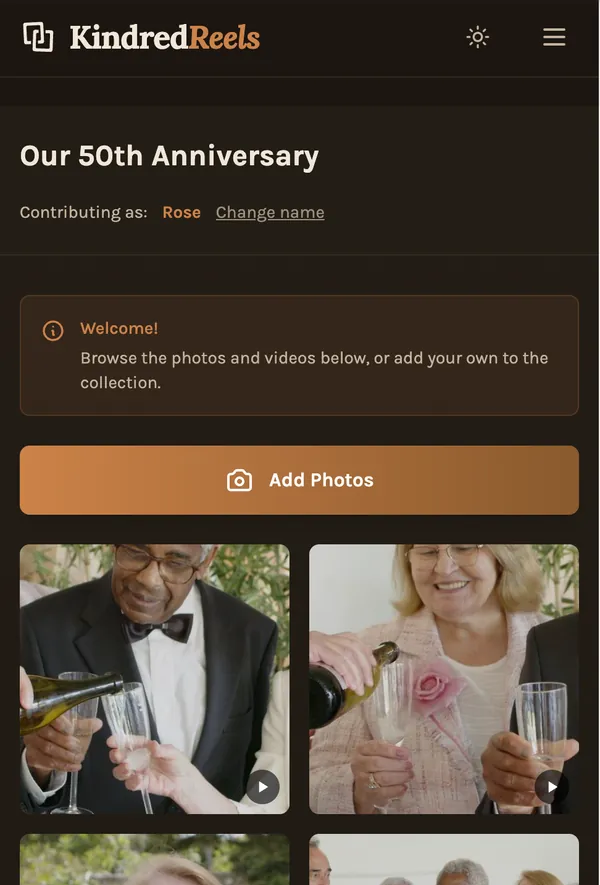
Then you don't need the album at all. Send everyone one link from Kindred Reels. Each person opens it on their phone or computer, types their name, and adds what they took, or picks it from their own Google Photos. Nobody needs an app or an account, and it works the same on iPhone and Android.
Everything lands in one project, so there is no album to save and nothing to bring in later. If your group already shares a Google Photos album and likes it, that is fine too. Use the album, and bring it in when it's full.
What happens next
Kindred Reels makes the first cut. It puts everything in the order it happened, keeps the best photo of each moment and sets aside repeats and blurry shots. It cuts the best few seconds of each video into a clip, splits a longer film into chapters and sets it to music, with each photo change on the beat.
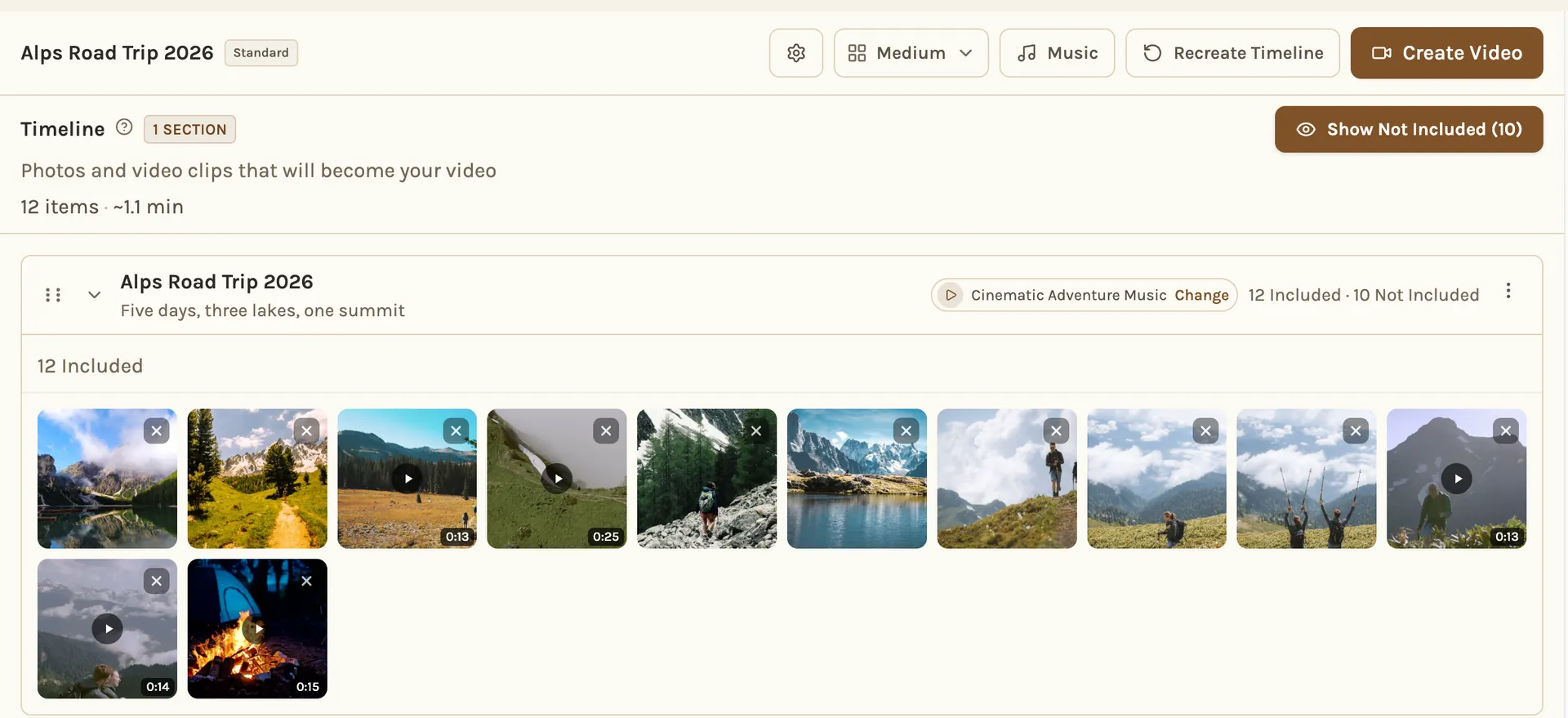
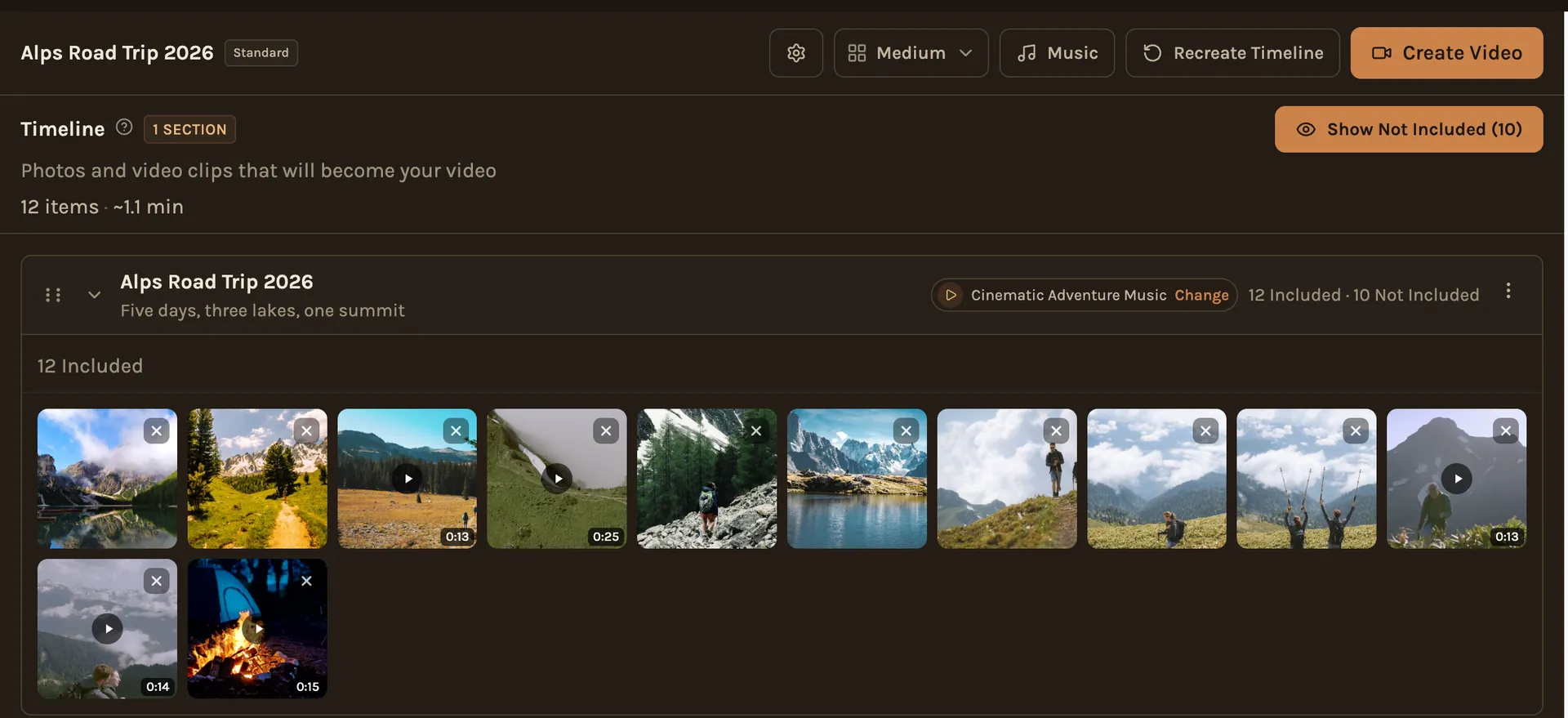
Then it's yours to change. Move photos, bring back anything that was set aside, swap a song, or trim a clip. Nothing is made up: every photo and clip in the film is one your people took. The film is landscape, made for a TV or a laptop, not a vertical phone video.
A few things that help with any big album
- Sort by the date taken: if you download photos for any editor, Google warns that your computer "can assign a new timestamp to the file itself." The date the photo was taken stays inside the file, so sort by that.
- Keep one photo per moment: five people photographing the same sunset is one moment, not five.
- Keep it short: a few minutes gets watched to the end. A longer cut is for the people who were there.
Can Google Photos make the movie itself?
For a short recap, yes. On the web, Google says "highlight videos replace movies." You choose photos or let Google pick, and it adds music. That works well for a minute or two of one day.
It is a harder fit for a few hundred photos from many phones, with clips, chapters and music that changes as the story does. That is the job we built Kindred Reels for.