If the album is already full
- In the Photos app, open Shared Albums and open the album.
- Save everything to your library. On iOS 27, Apple's guide says to open the album's menu and tap "Save All Shared Items". On older versions, select the photos and videos, tap Share, then Save.
- Open Kindred Reels in Safari, start a project and tap the + Photos button.
- Pick the photos and videos you just saved.
A few things help with a big upload from an iPhone:
- Pick in batches of about 15 to 20: the upload goes more smoothly.
- Keep the page open until it finishes: the files are sent from your phone while the page is open.
- If an upload stops, pick the same photos again: the ones already added are skipped.
- Trim long videos first: each video can be up to 2 minutes and 1 GB.
Check how sharp the album is
How good the album's copies are depends on when it was made. Apple says albums made on iOS 27 or later keep photos and videos "in their original formats at full resolution." Older albums store smaller copies: photos at 2048 pixels on the long side and videos at up to 720p.
Smaller photos still look fine on a TV. The videos are where an old album loses the most. For the clips that matter, ask the person who filmed them to add the original.
If people haven't added their photos yet
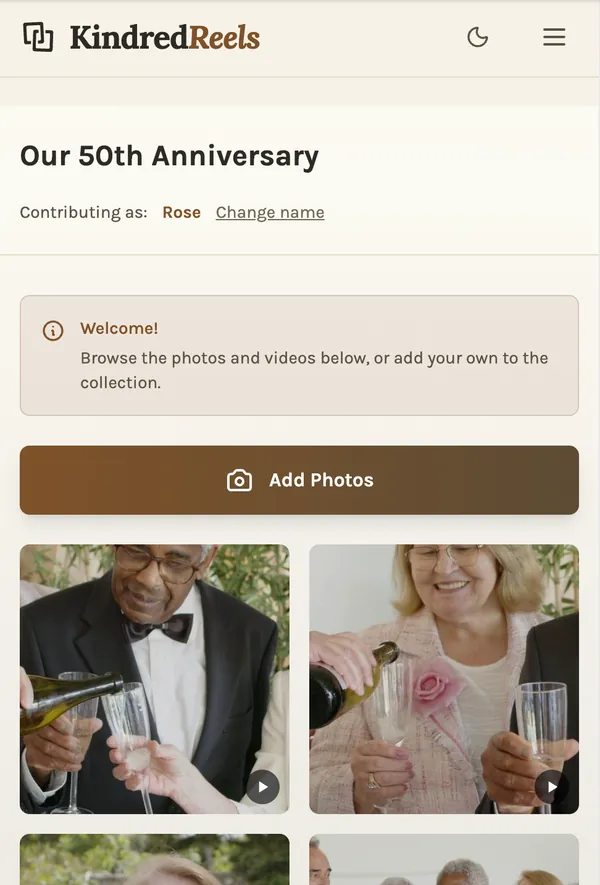
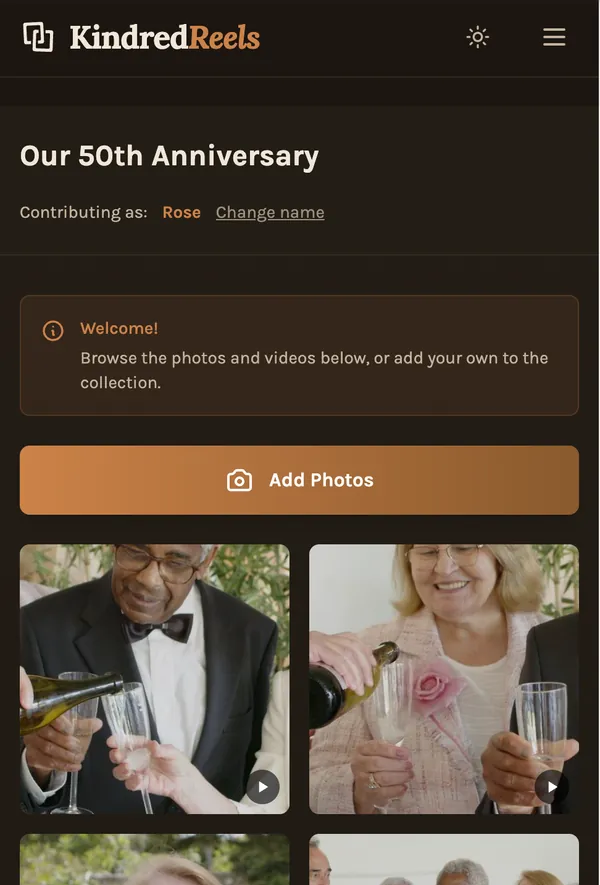
Then you don't need the album. Send everyone one link from Kindred Reels. Each person opens it on their phone, types their name and adds photos and videos straight from their own library. Nobody needs an app or an account.
This has two advantages over a shared album. Everything comes from each person's own library, so you get their own copies, not the album's. And it works the same for friends with Android phones, who can also pick from their Google Photos.
What happens next
Kindred Reels puts everything in the order it happened and keeps the best photo of each moment. Repeats and blurry shots are set aside. The best few seconds of each video become a clip, a longer film is split into chapters, and it is all set to music, with each photo change on the beat.
Then you change whatever you like: move photos, bring back anything set aside, swap a song or trim a clip. Every photo and clip in the film is one your people took. The film is landscape, made for a TV or a laptop, not a vertical phone video.
Can the Photos app make the movie itself?
For a few dozen photos and one song, yes. Save the album, put the photos in a regular album, and play it as a memory movie. Apple says you can set its length "to short, medium, or long," and that choice "automatically adjusts the number of photos included."
iMovie gives you full control, one cut at a time. For a few hundred photos and clips from several people, expect an evening or more. Collecting and sorting is most of that work, and it is the part Kindred Reels does for you.